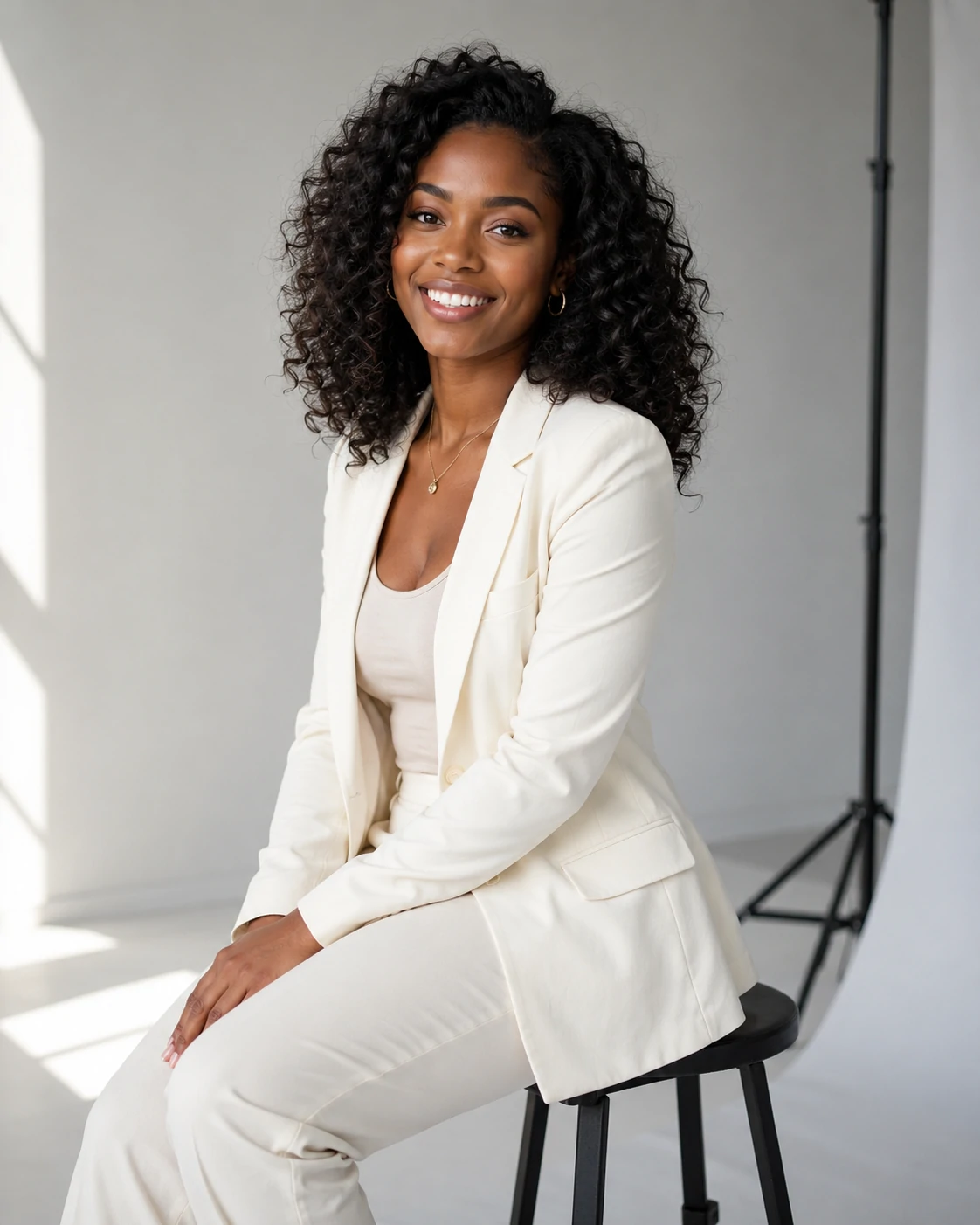
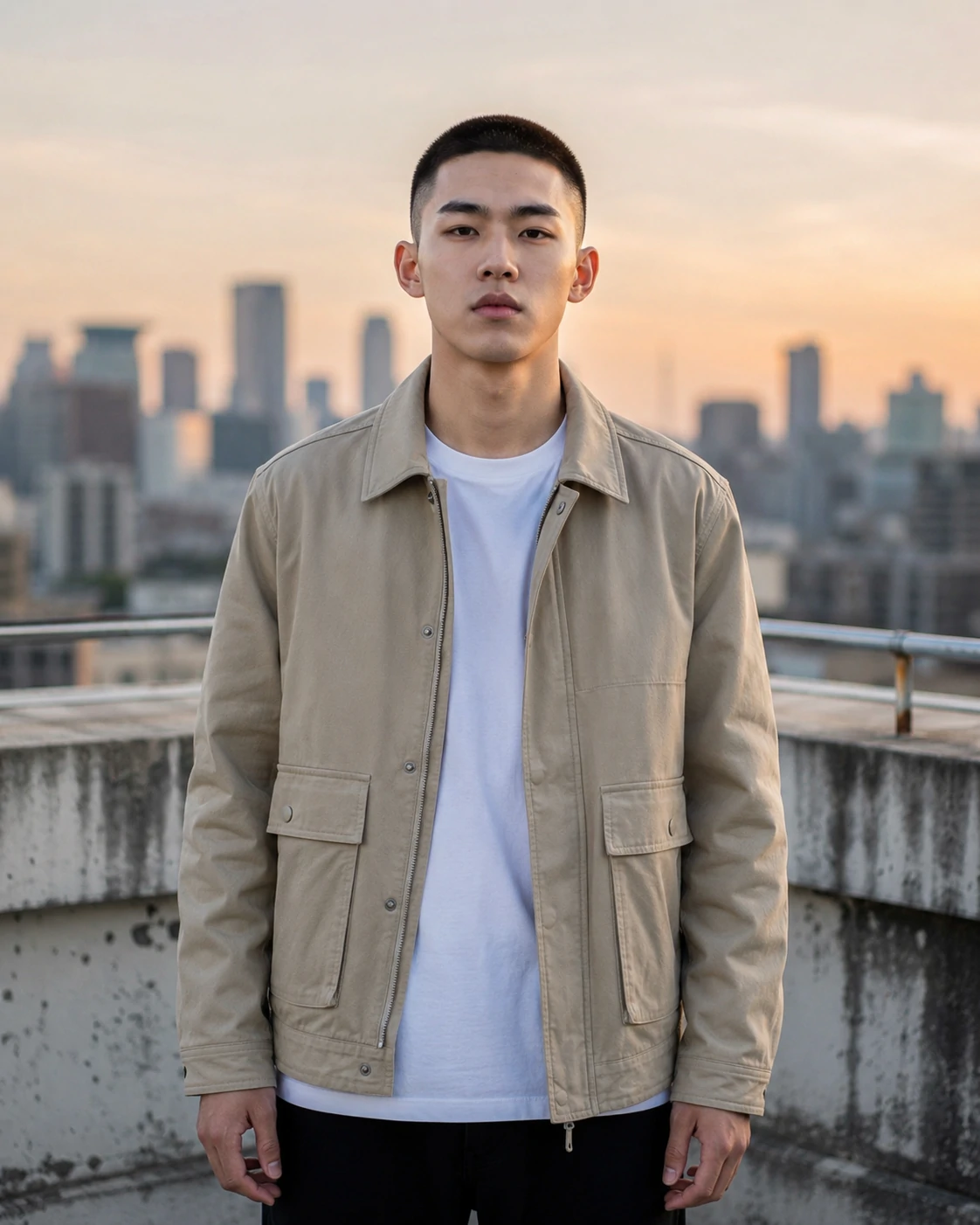
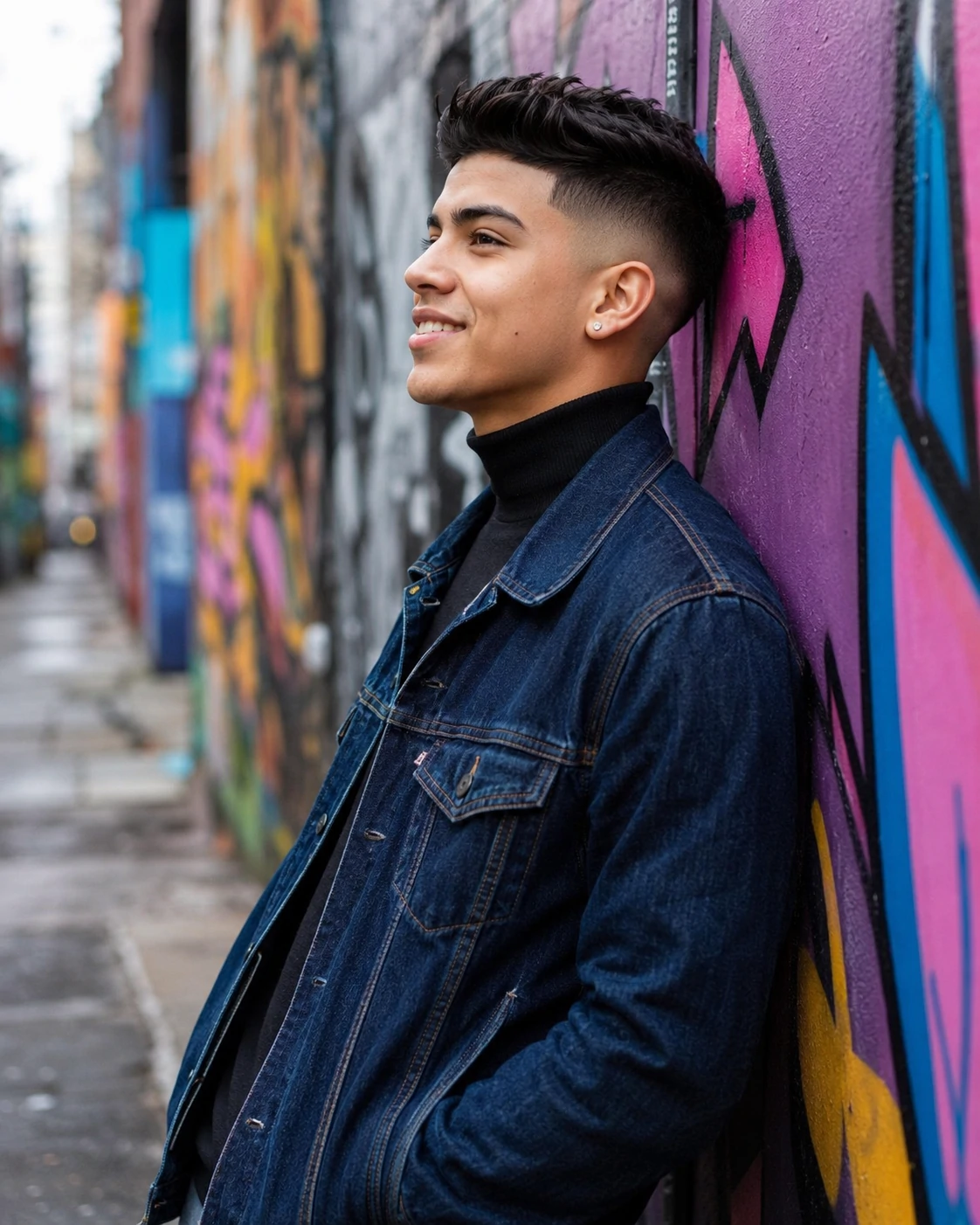
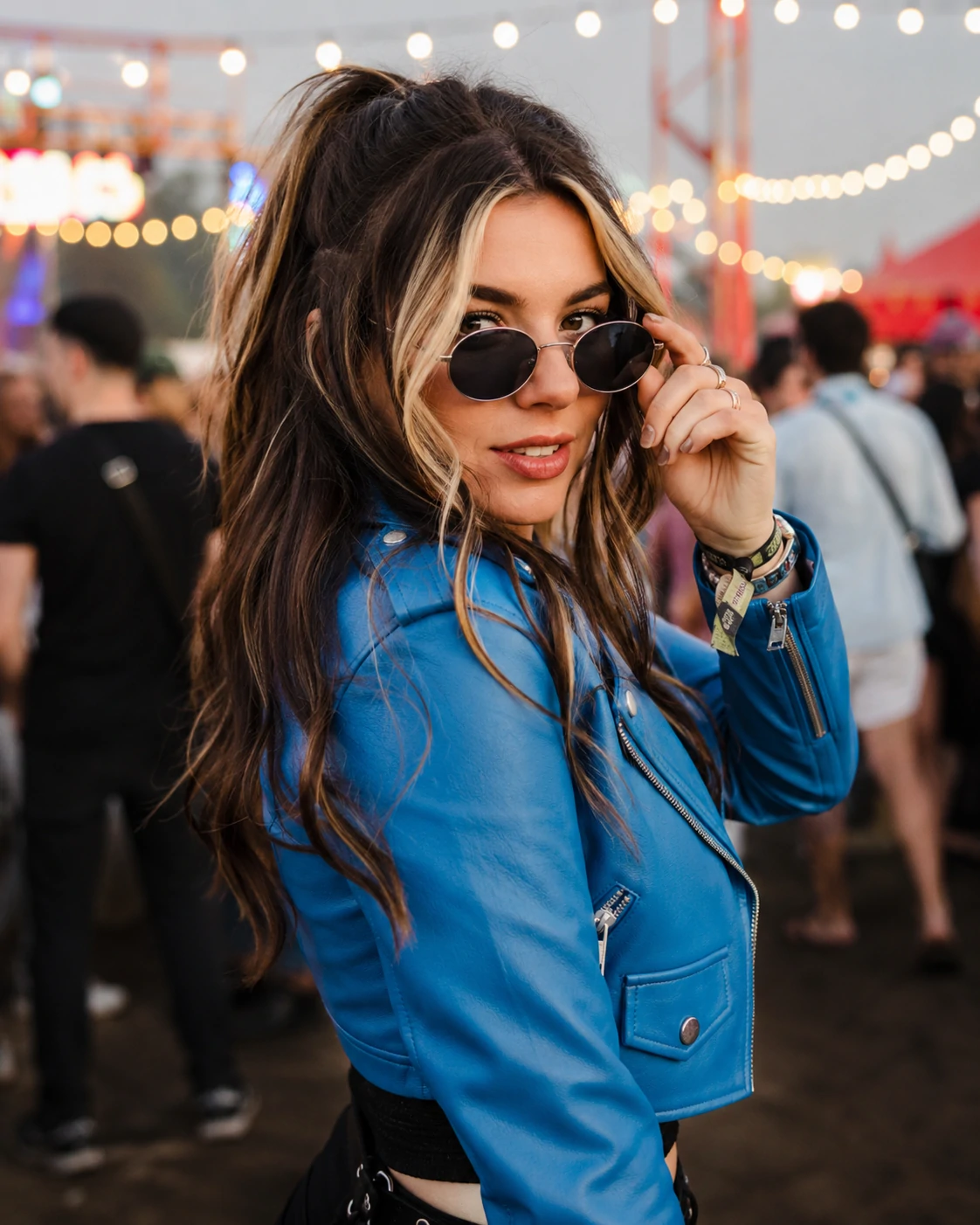
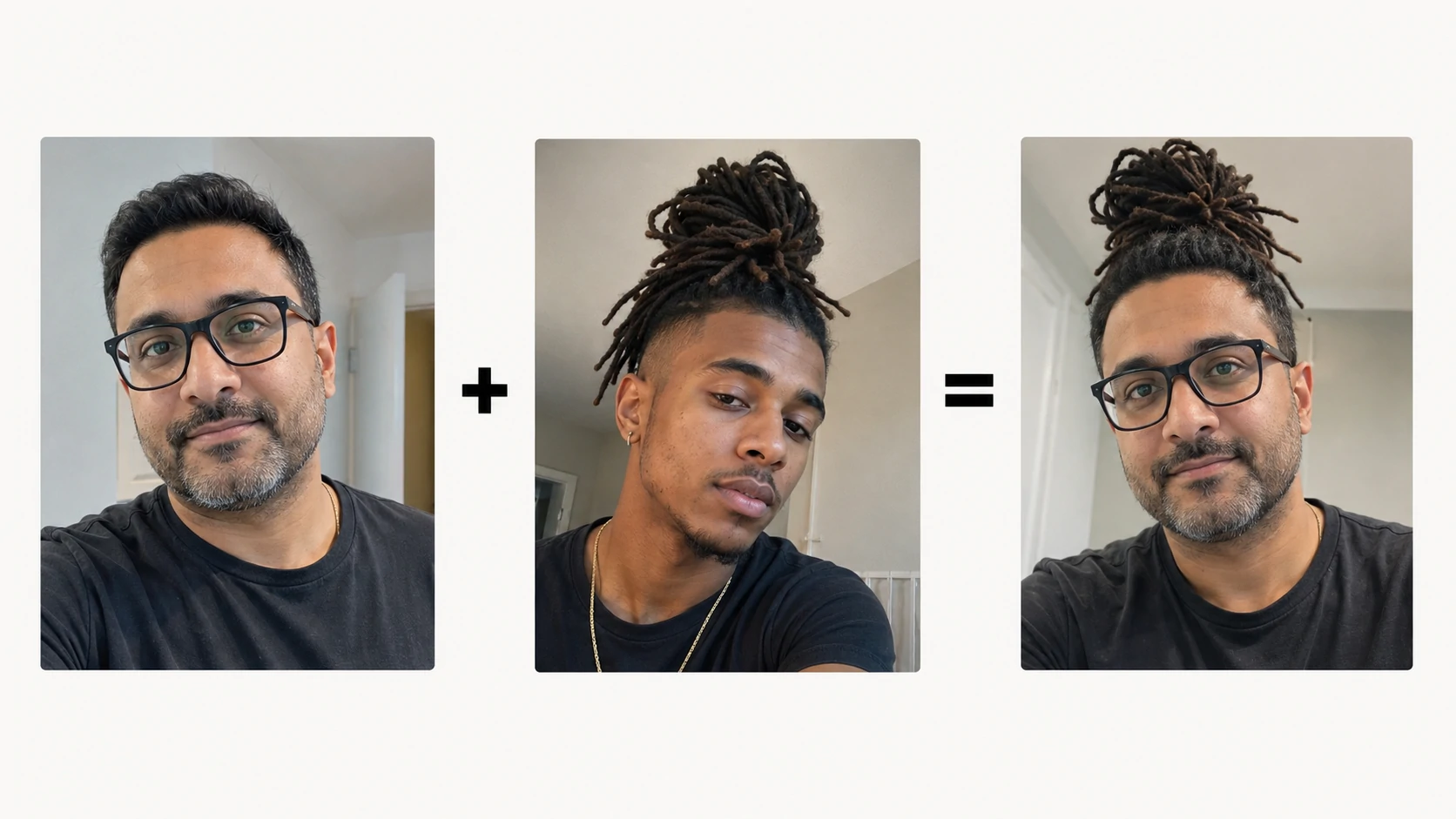
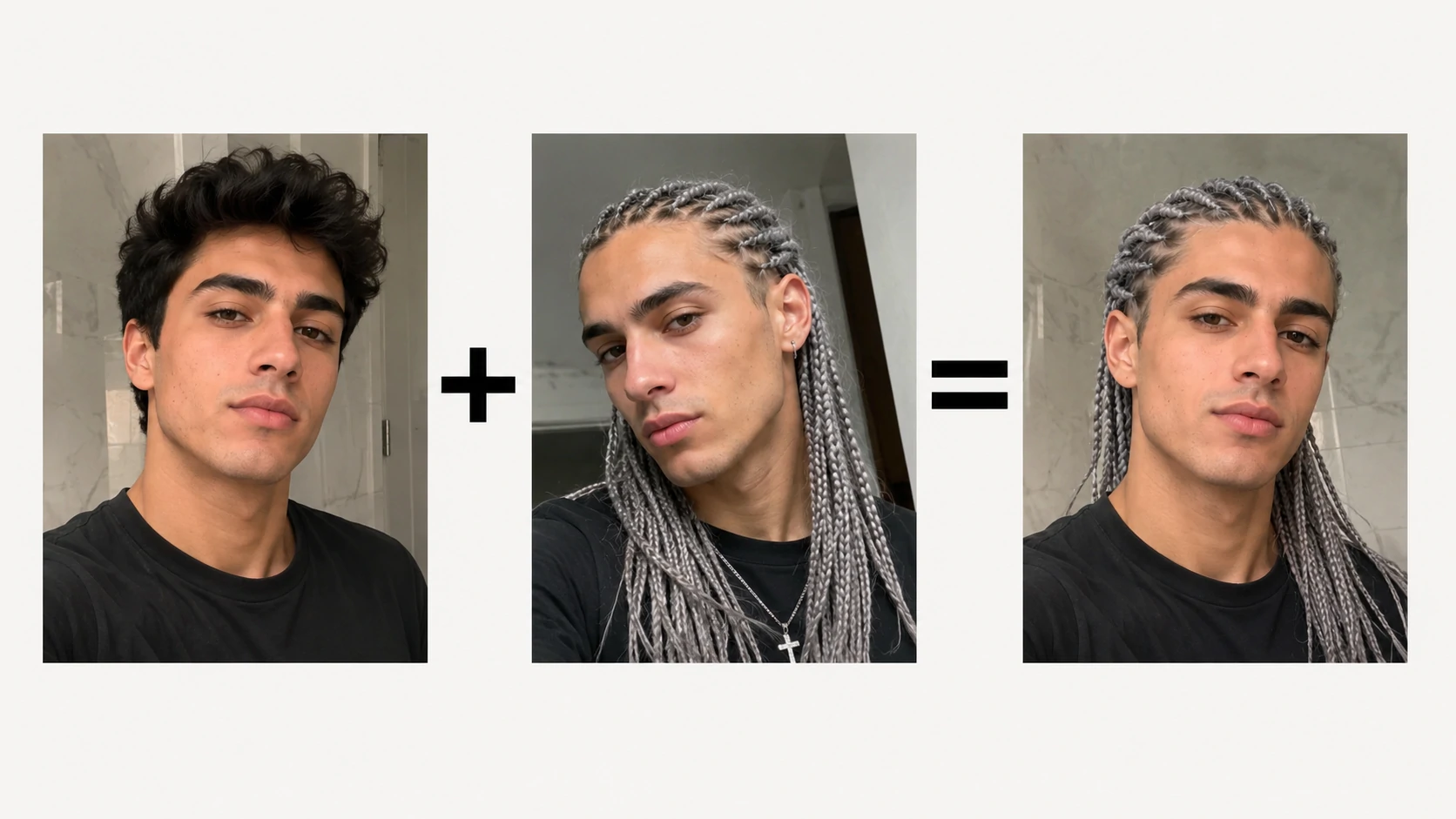
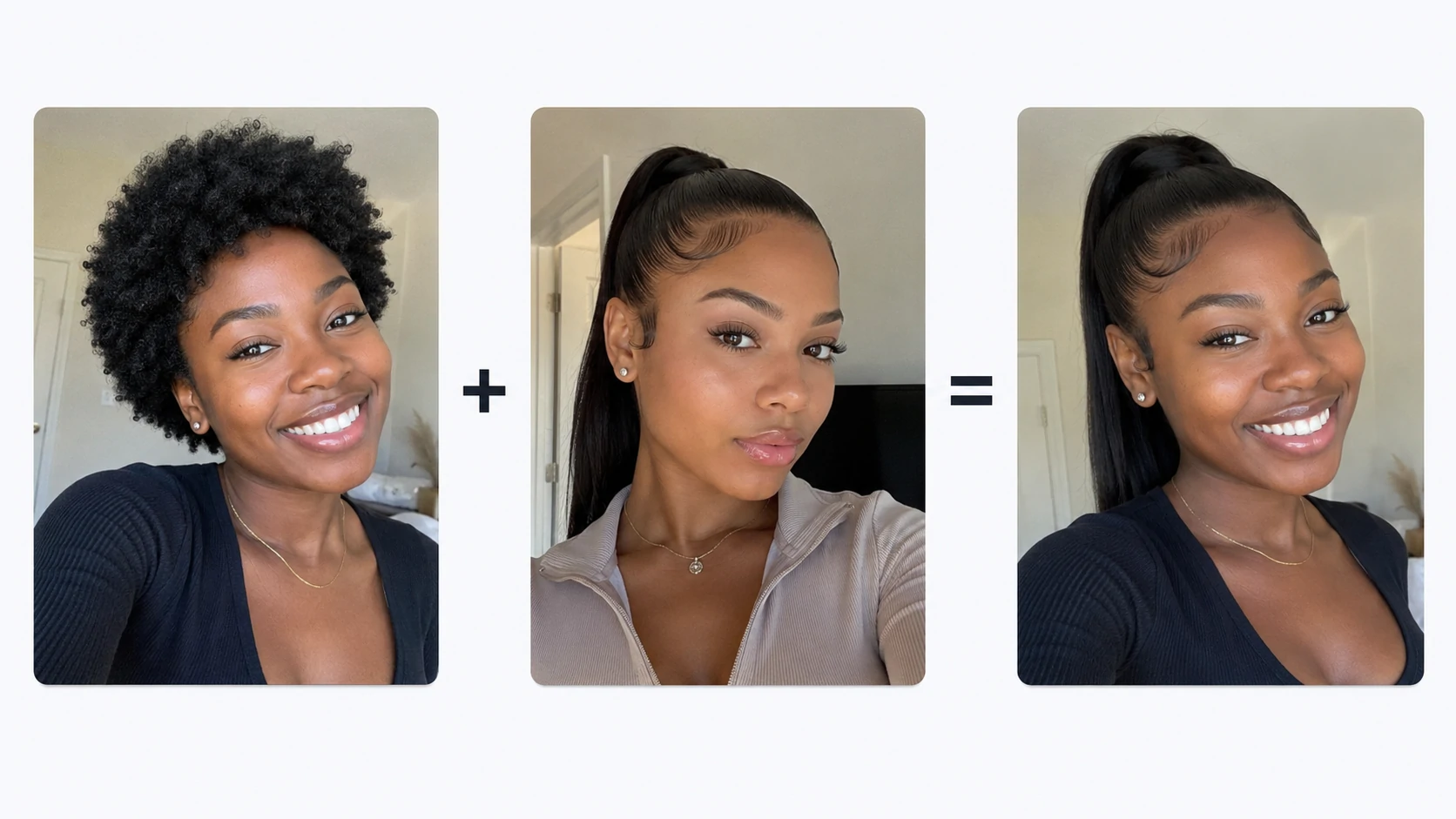
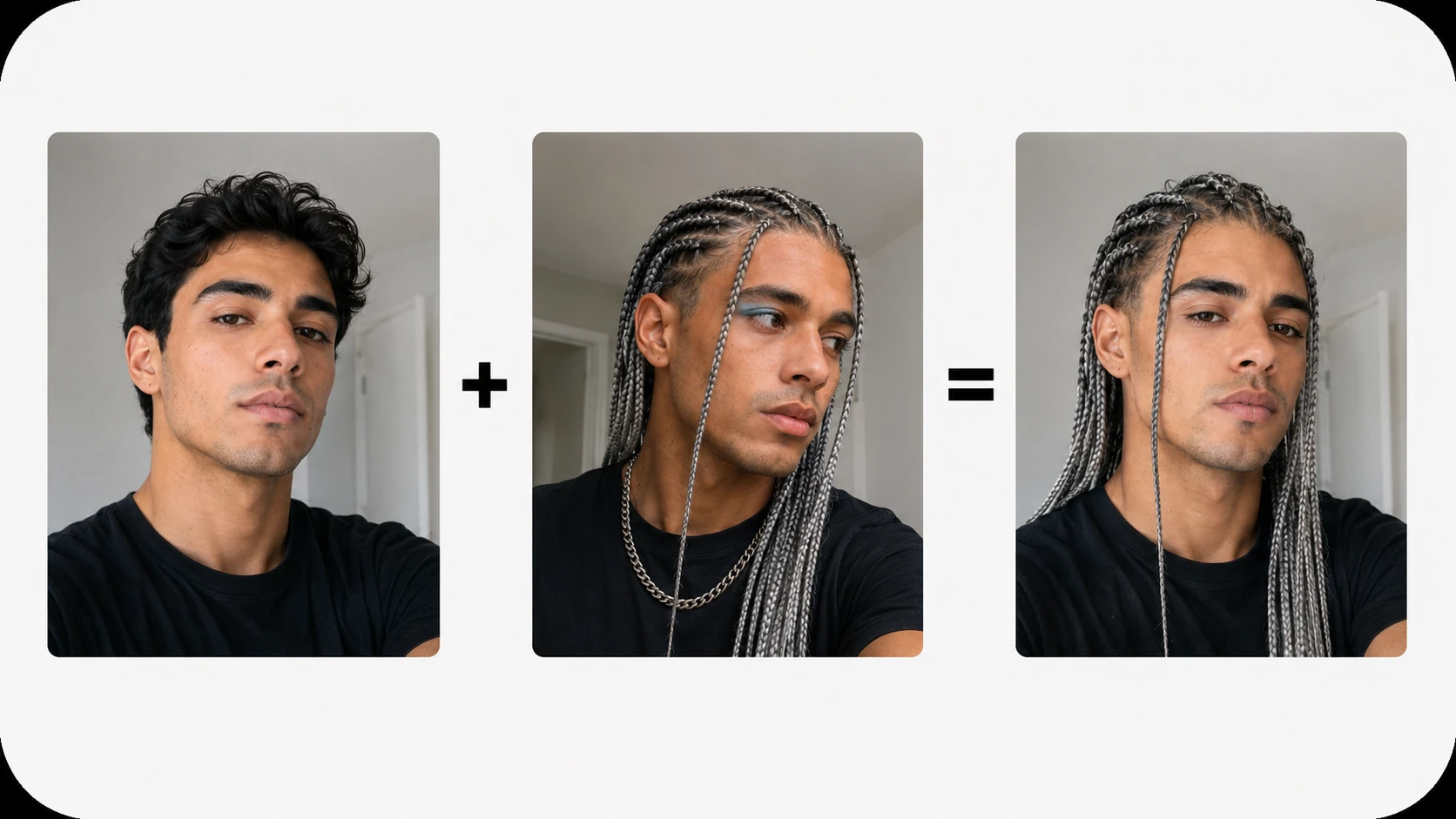
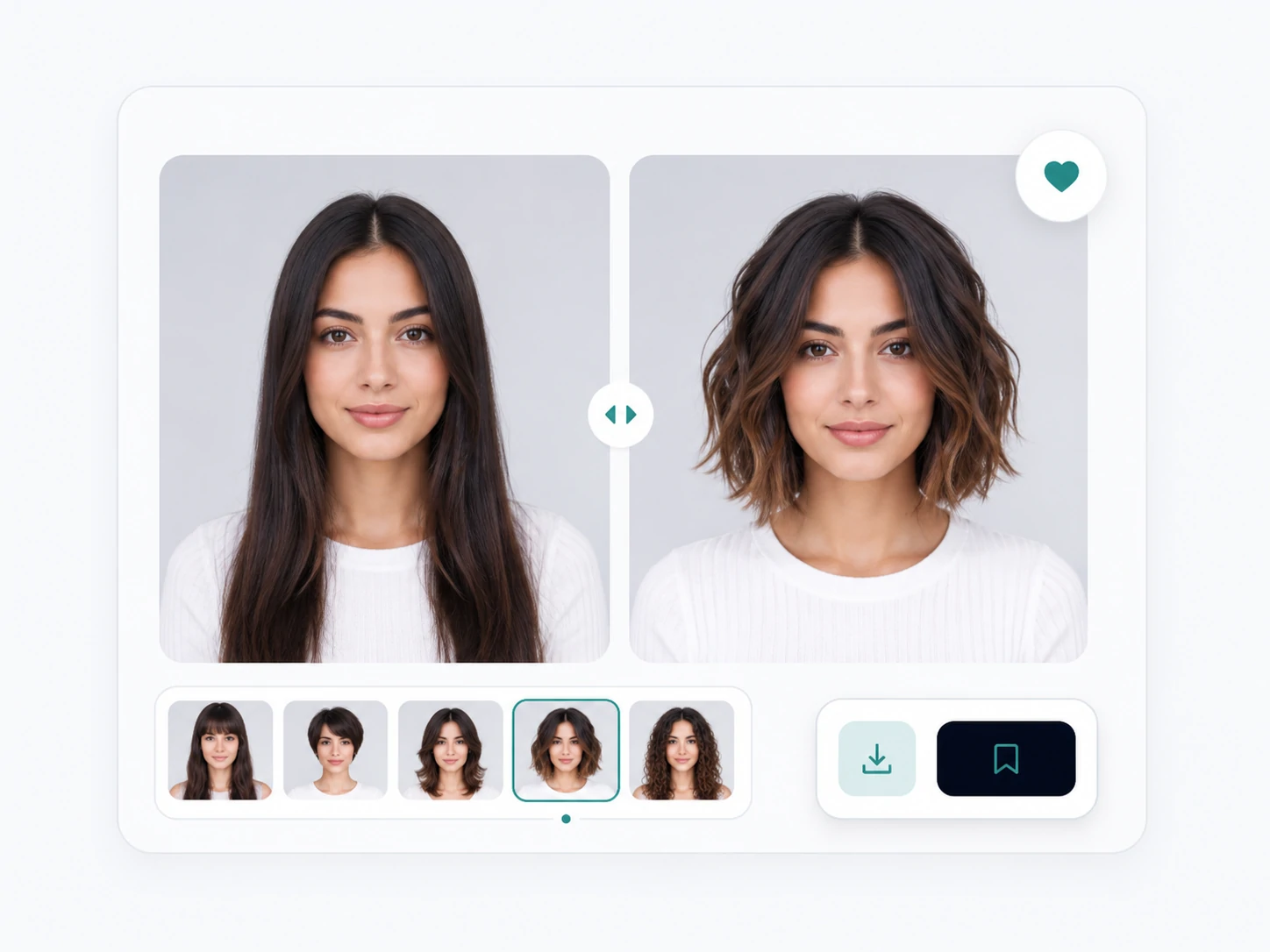
Free hairstyle try-on, no sign-in required. Sign in to claim bonus credits.

AI hairstyle changer online

AI Hairstyle Changer for Haircuts and Hair Colors

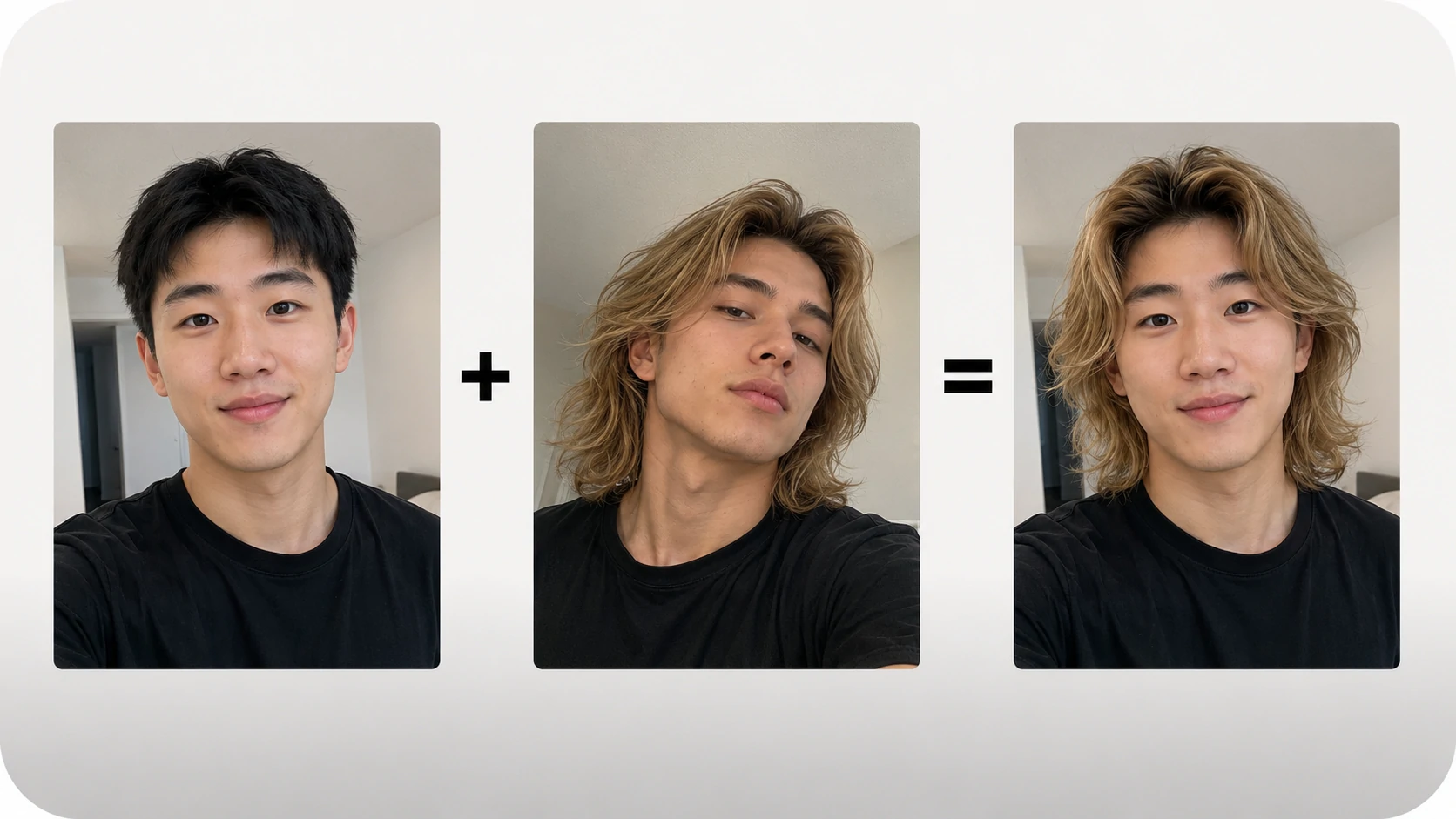
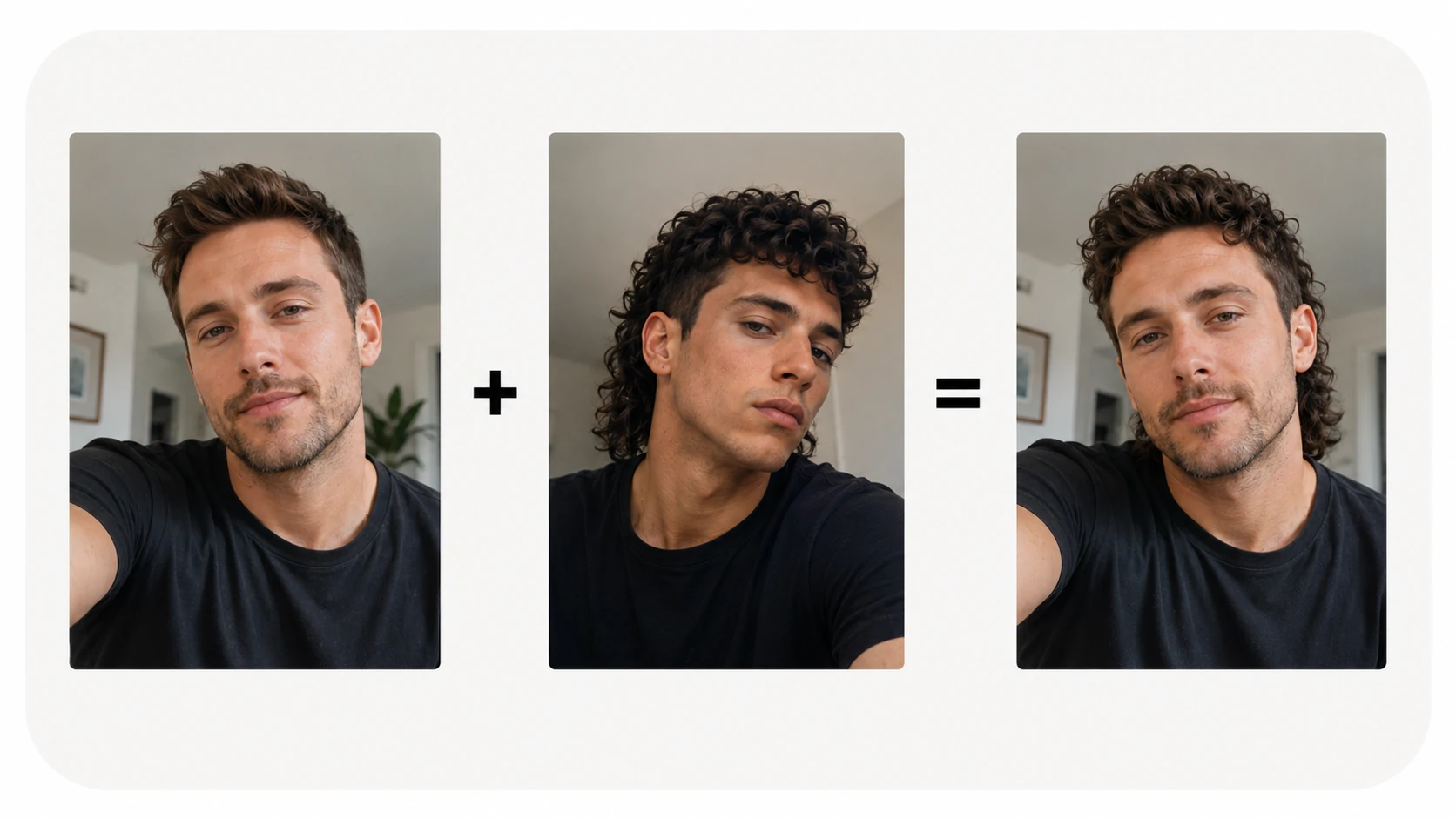
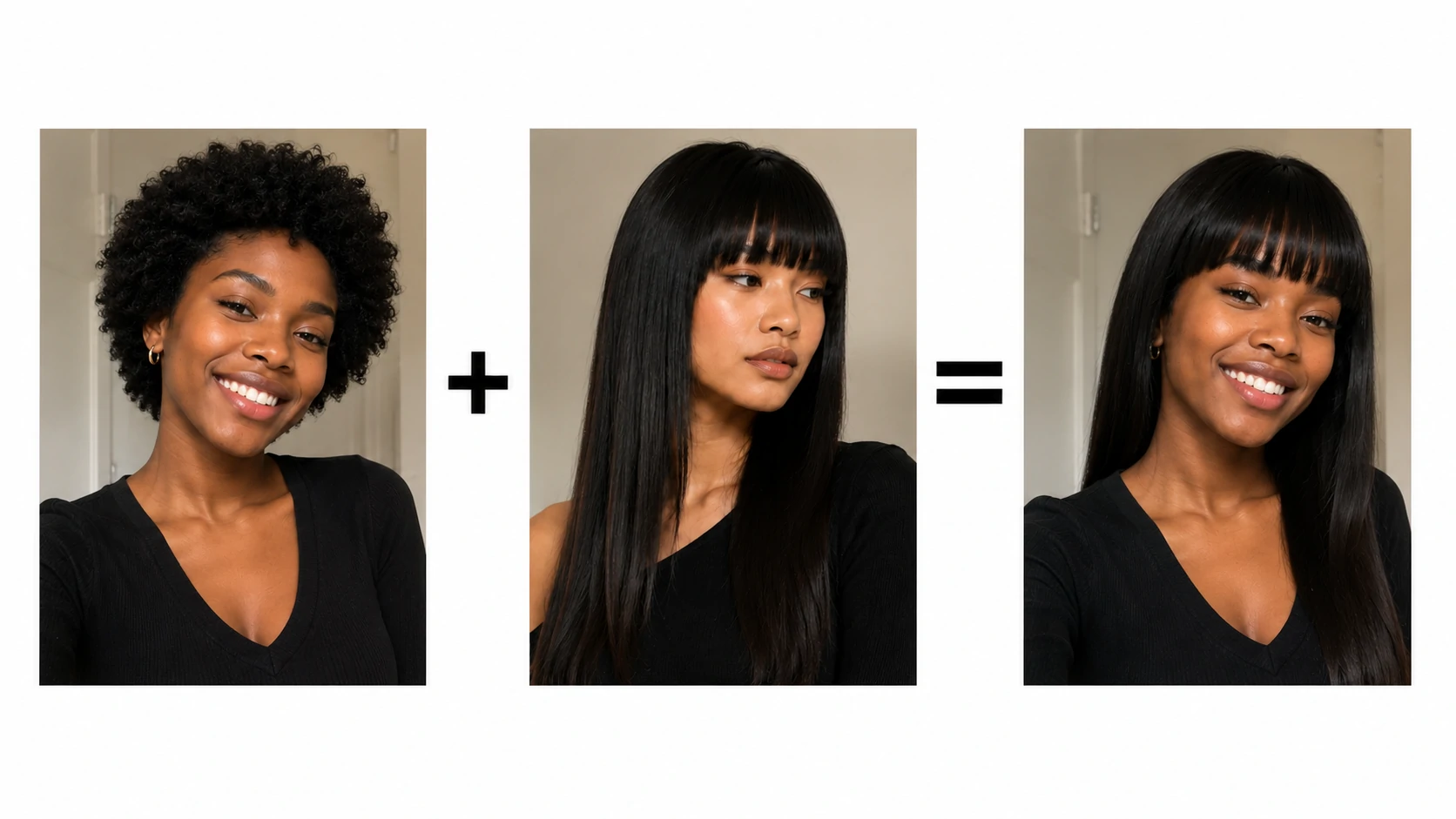
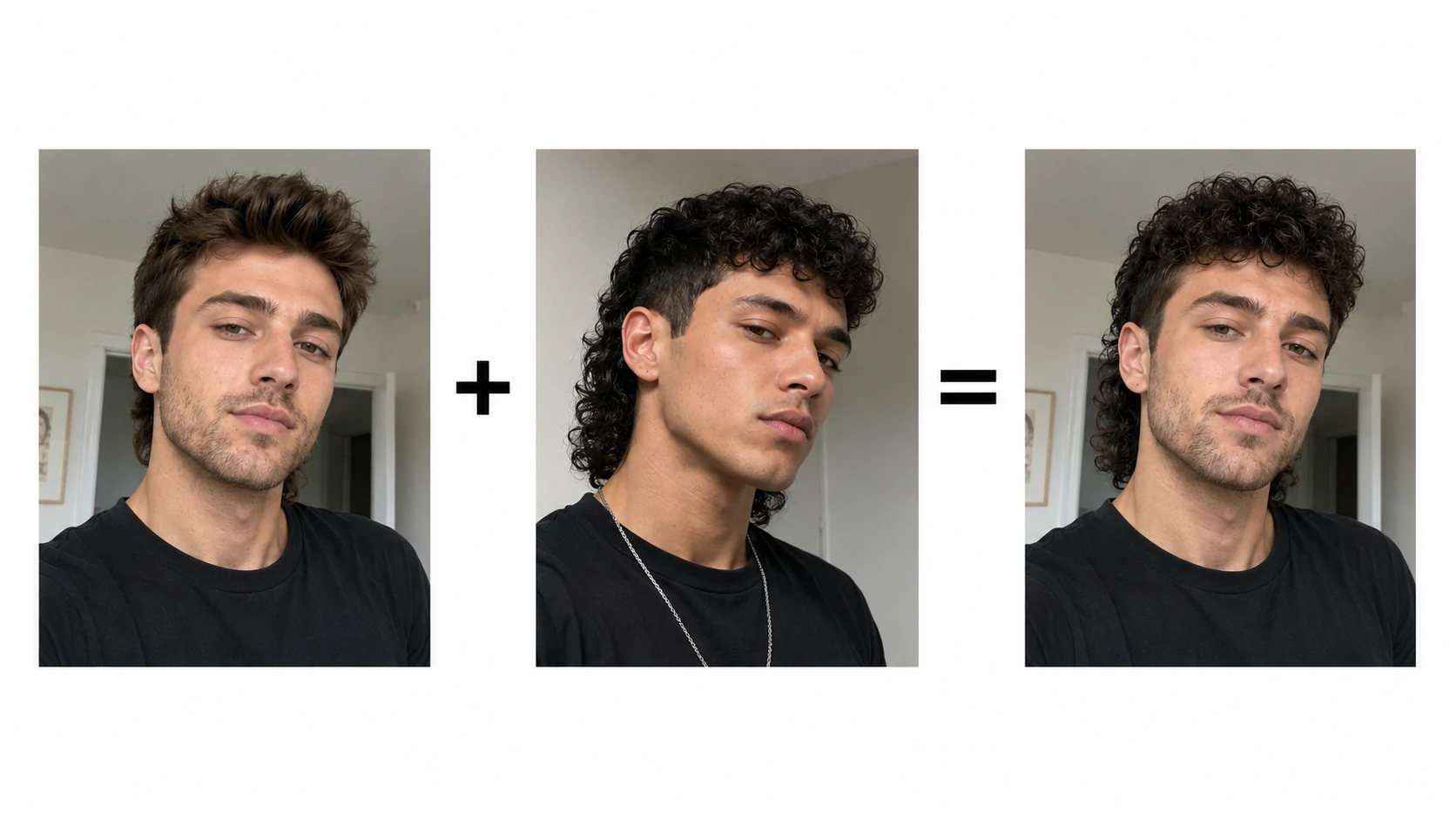
Upload a selfie and preview realistic haircuts, bangs, fades, curls, and hair colors before your next salon visit.

Bob cutCurtain bangsPixie cutWolf cutLong layersBlonde colorCopper hairMen's fade
Original selfie for AI hairstyle changer
Original selfie
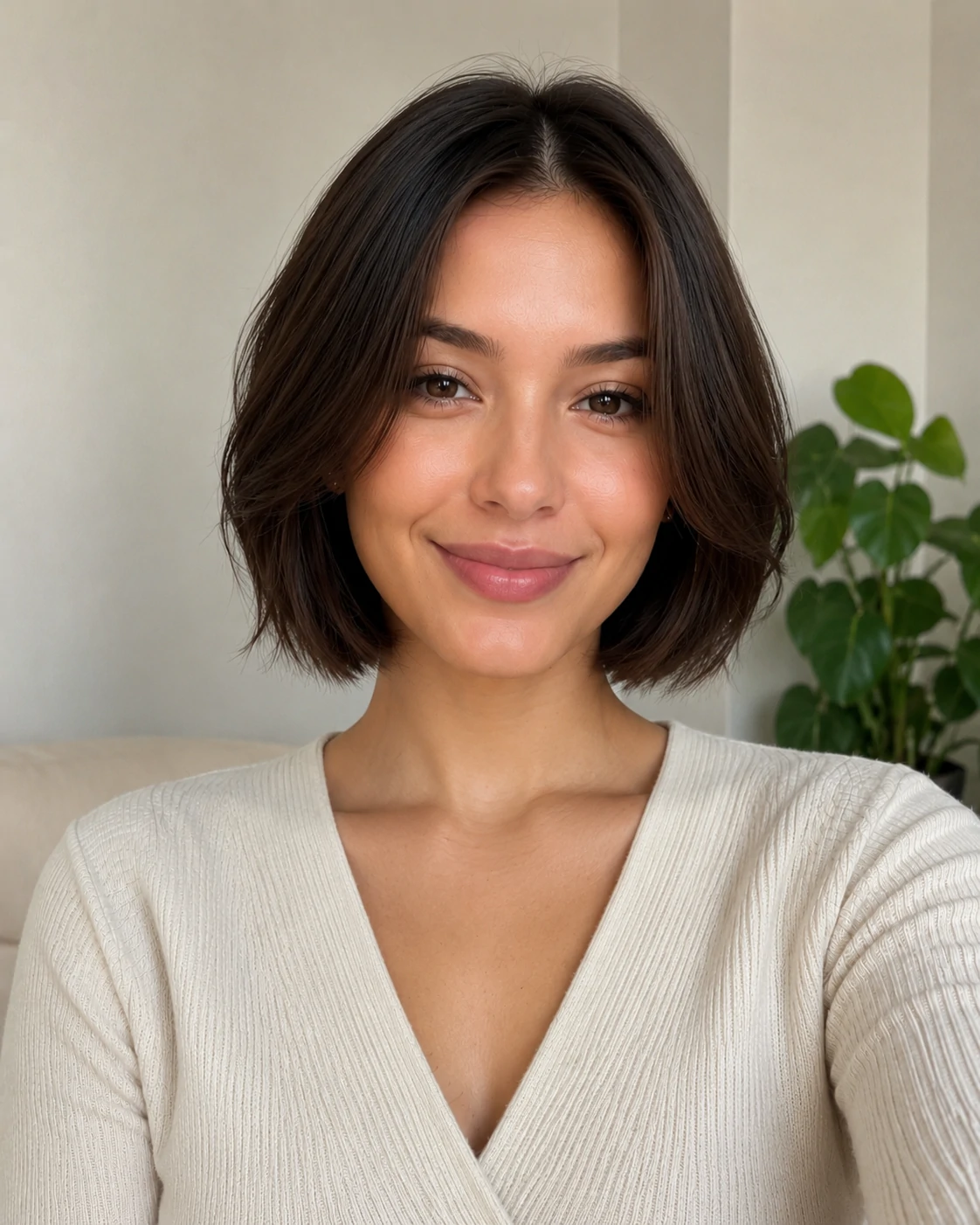
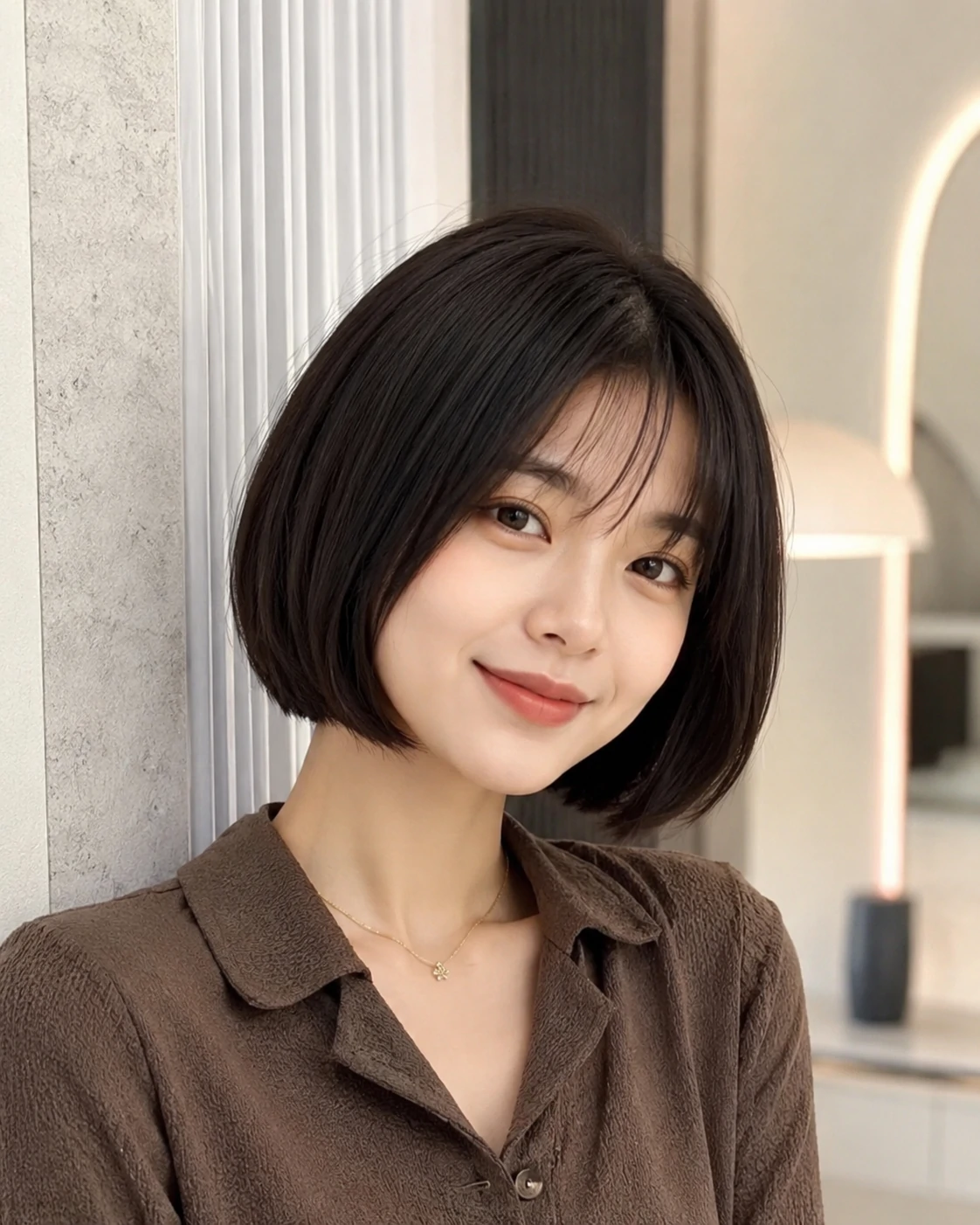
AI hairstyle changer short bob result
Short bob result
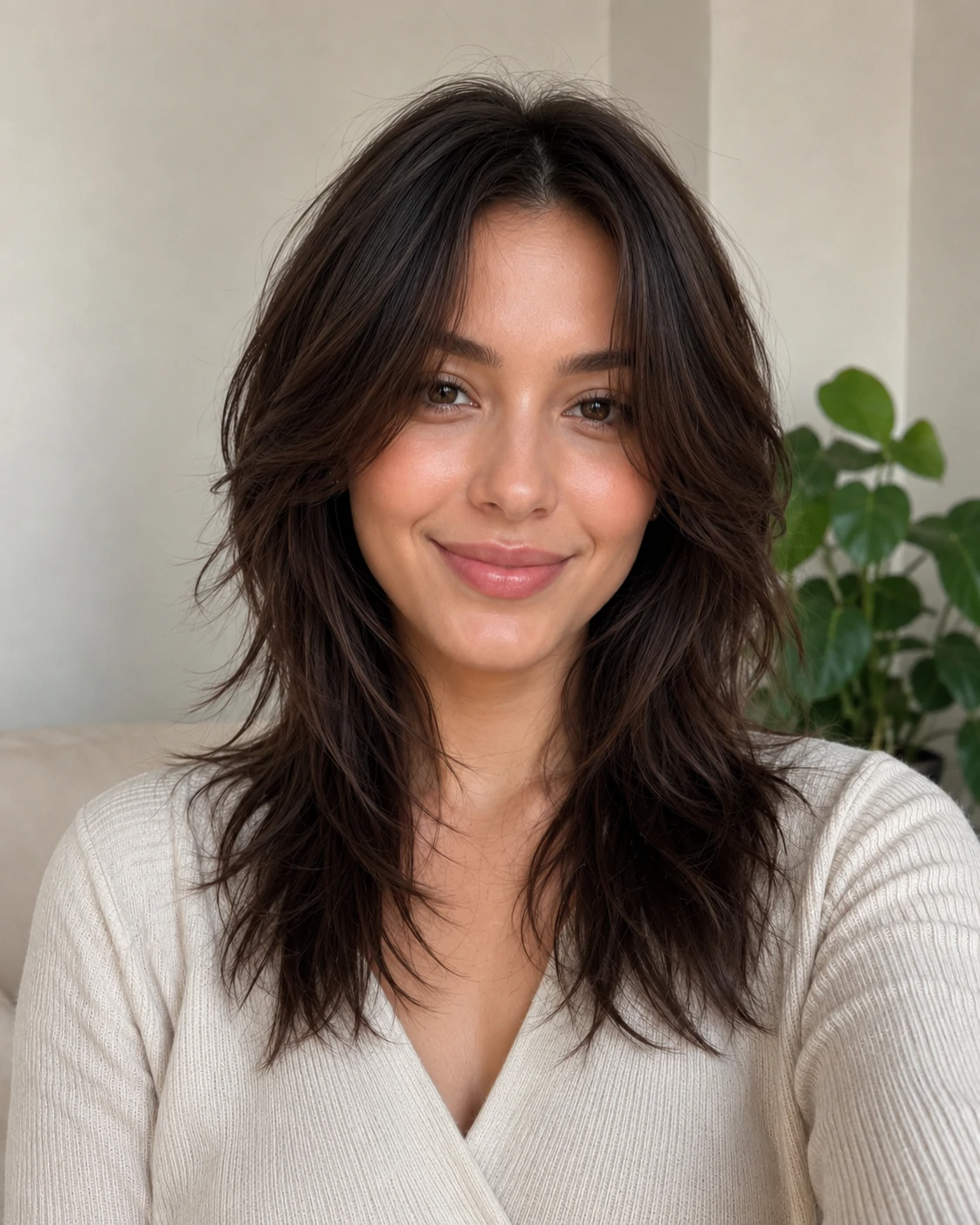
AI hairstyle changer long layers result
Long layers result
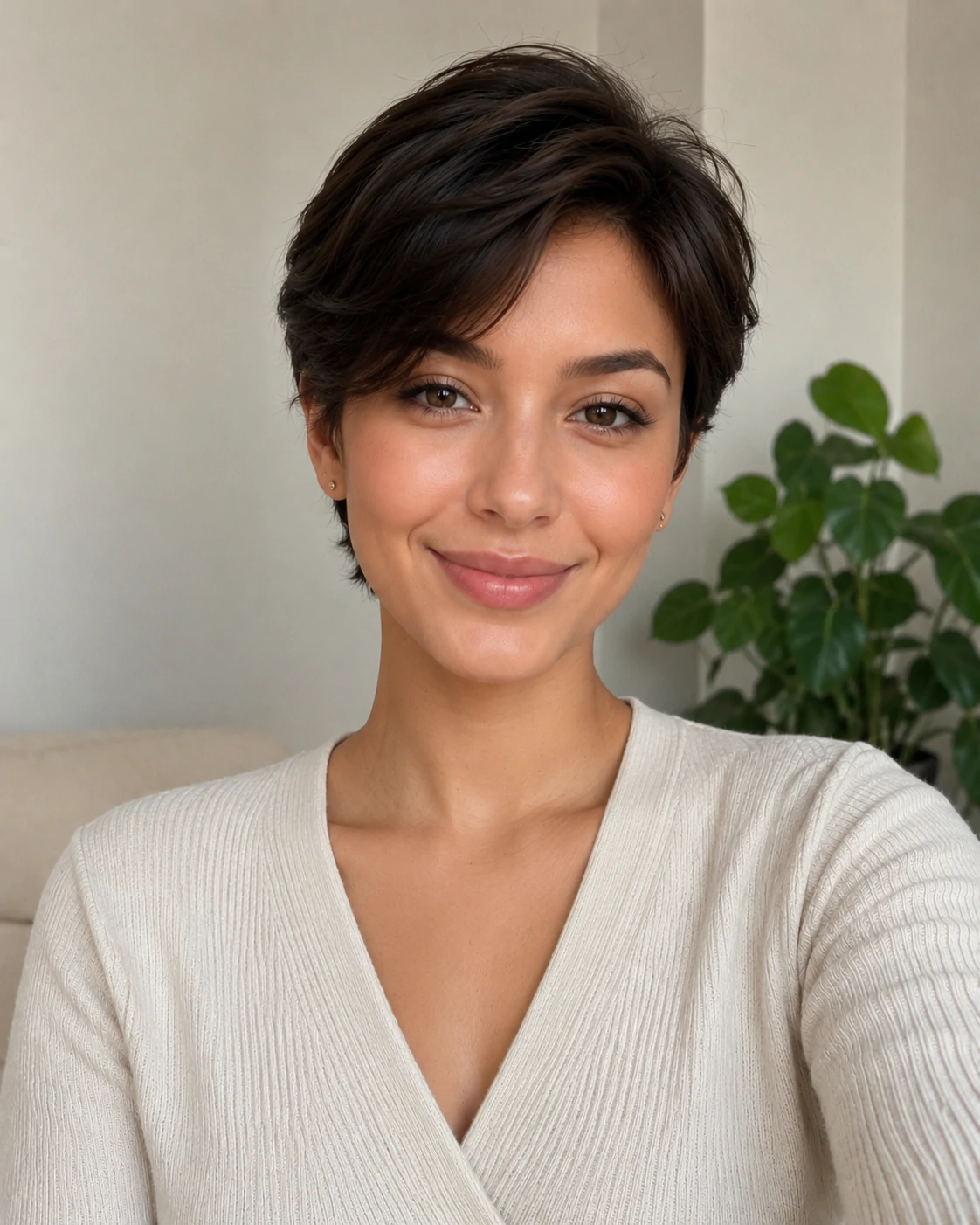
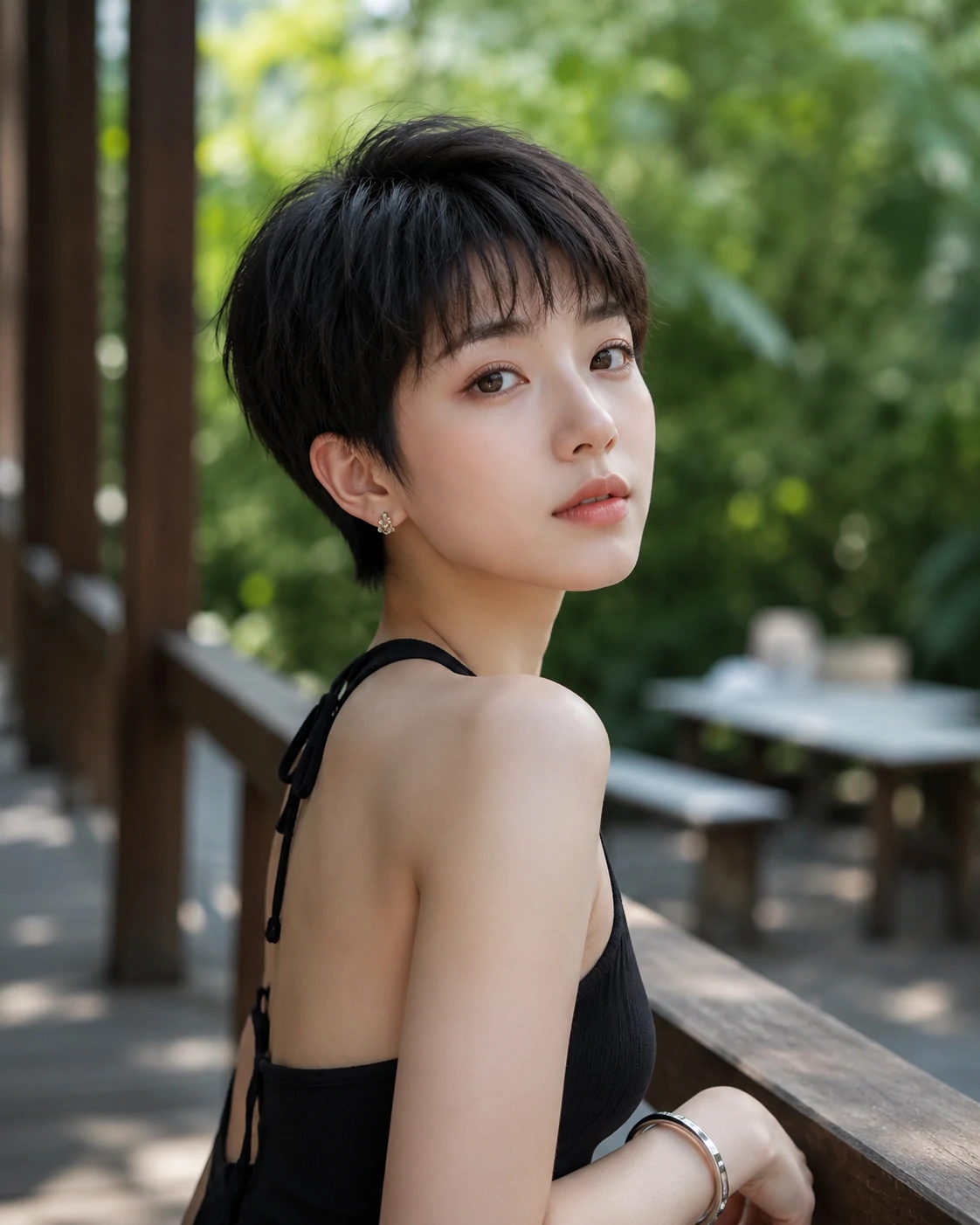
AI hairstyle changer pixie haircut result
Pixie result
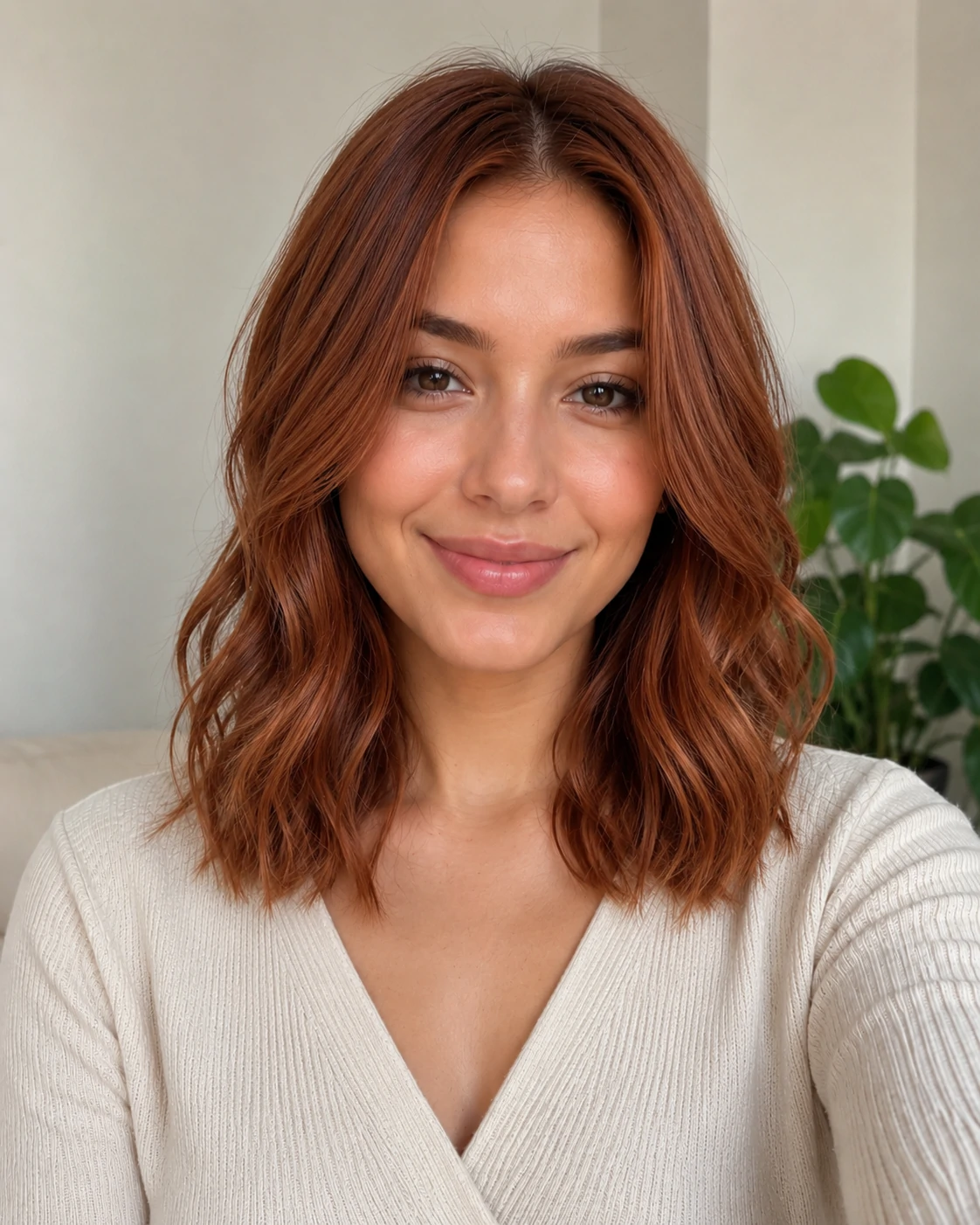
AI hair color changer copper hair result
Copper hair color result

Upload, choose, preview

Upload photo

Choose hairstyle

Preview result

Result

Your generated preview appears here.

Want a more specific look?

Style decisions

Use AI hairstyle previews before you change your look

Compare the details that actually affect the decision: length, fringe, color, face framing, maintenance, and whether the result feels believable on your own photo.

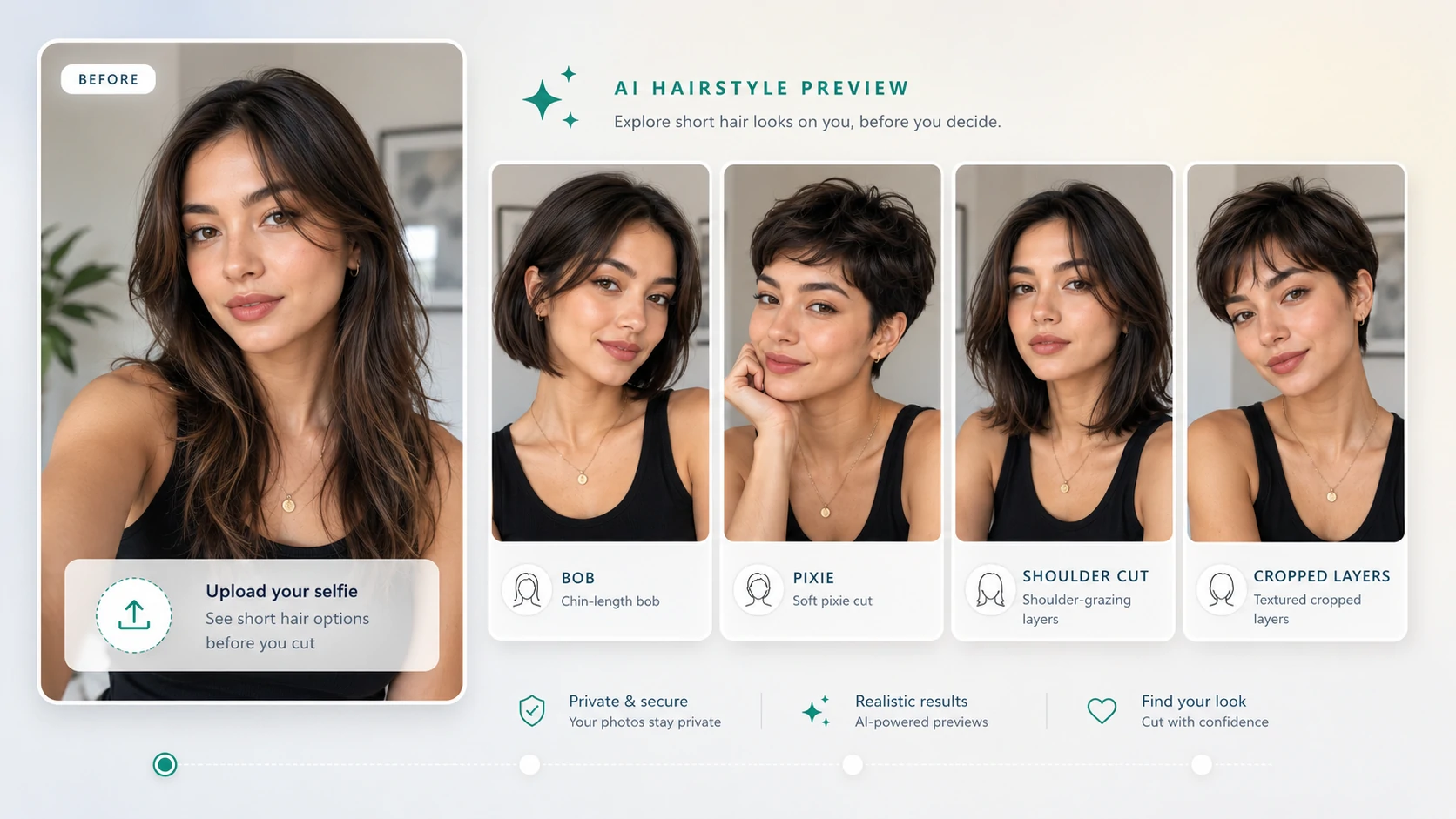
Short hair preview with bob, pixie, shoulder cut, and cropped layers

Short Hair Preview

See short hair before you cut it

Short hair changes the outline of your face more than most styles, so preview the shape before losing length.

Compare

Jawline, cheekbones, neck length, side volume, and whether the shorter outline feels balanced.

Good for

Users choosing between bob cuts, pixie cuts, shoulder cuts, and cropped layers.

Maintenance

Short cuts usually need more frequent trims, especially if you want a clean shape.

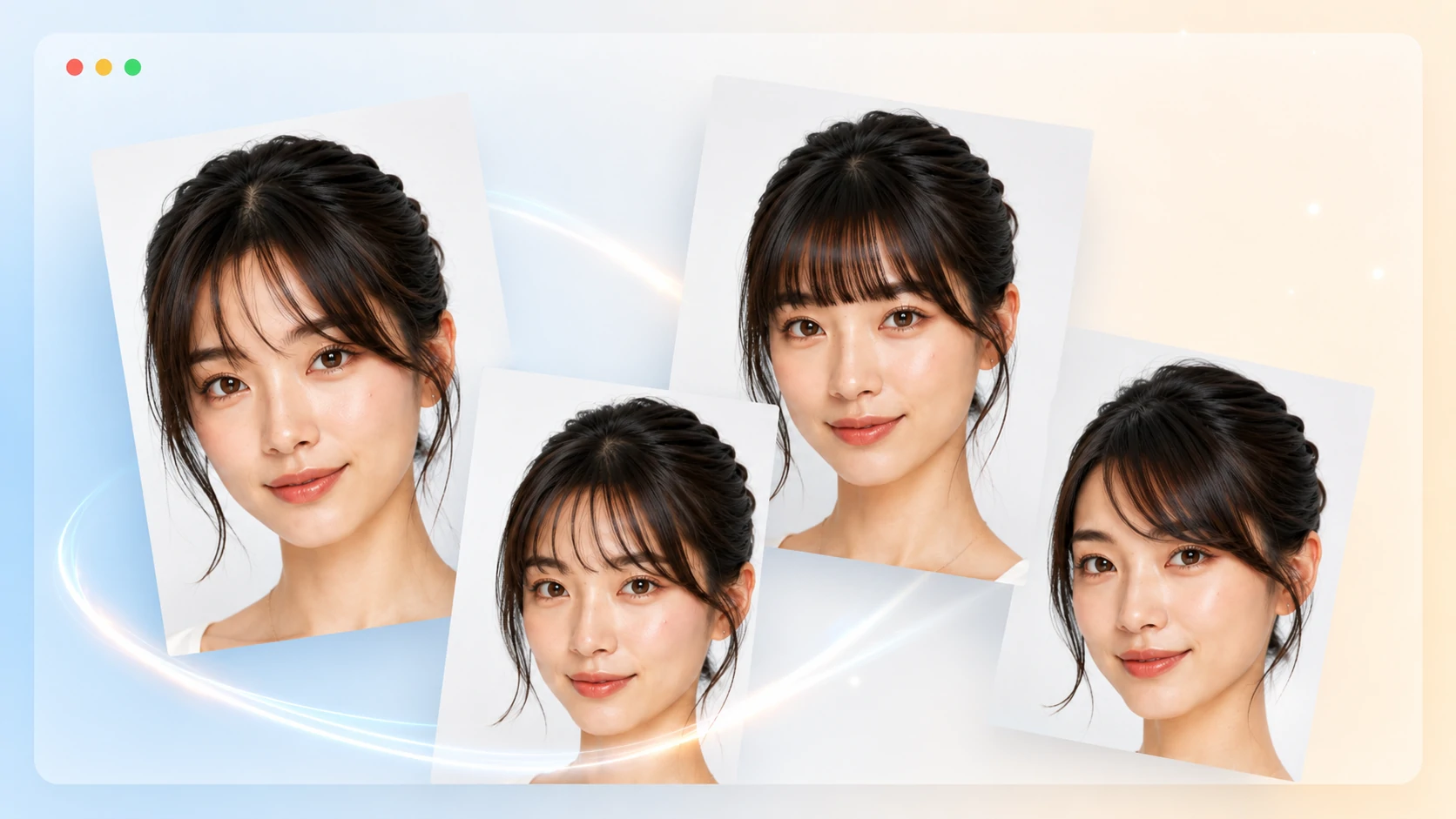
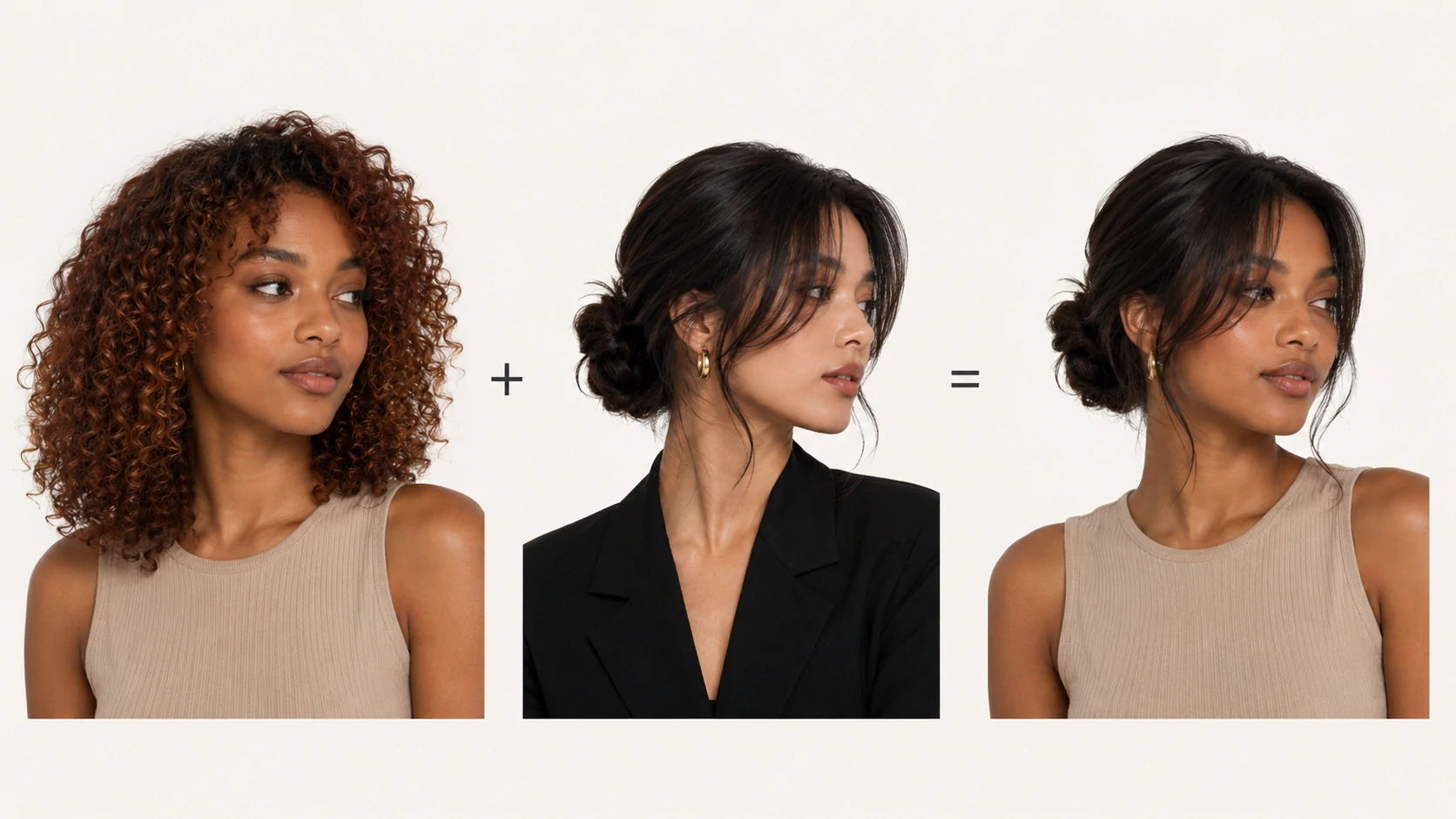
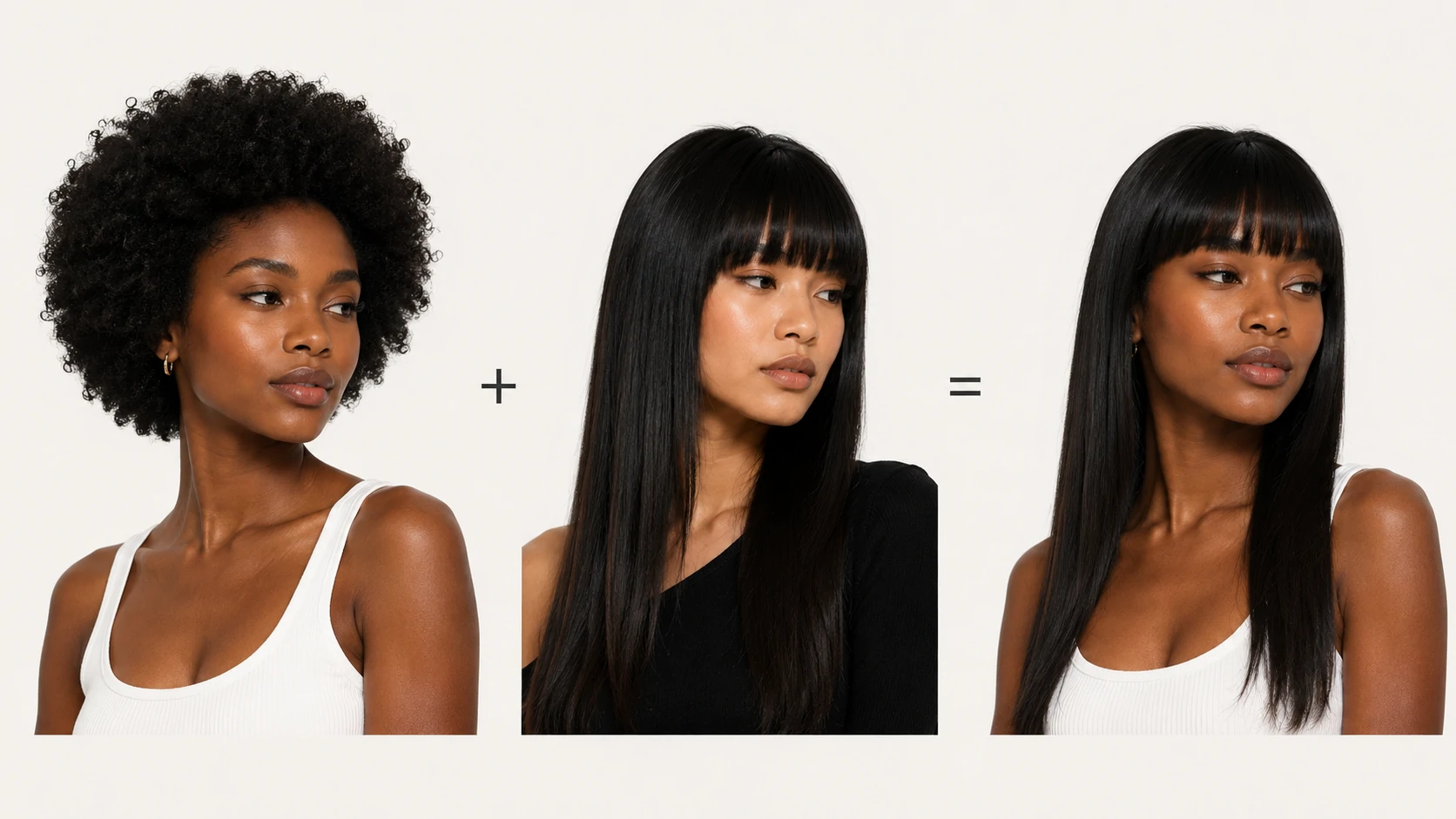
Curtain bangs and wispy bangs preview on a portrait

Bangs Try-On

Try bangs without the regret

Bangs can soften the forehead and draw attention to the eyes, but small length changes can completely change the look.

Compare

Curtain bangs, wispy bangs, fuller fringe, forehead coverage, and how the eyes are framed.

Good for

Users who want a visible change but are unsure about cutting permanent fringe.

Maintenance

Bangs often need quick daily styling and regular trims to stay comfortable.

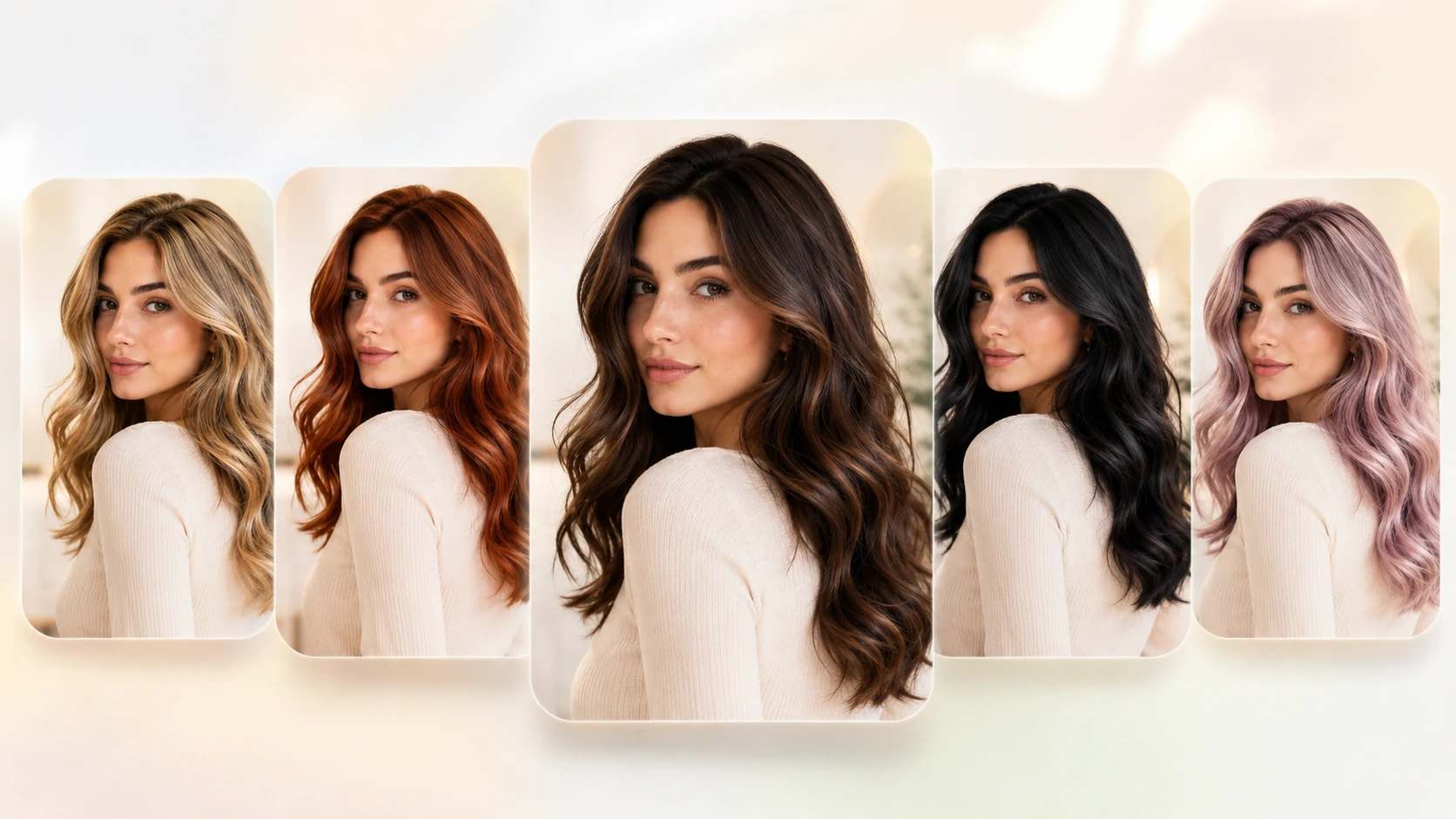
Blonde, copper, brunette, black, and pastel hair color previews

Hair Color Changer

Preview color before the salon

Hair color should work with your skin tone, contrast level, makeup style, and how much upkeep you are willing to handle.

Compare

Warmth, brightness, root depth, skin-tone balance, and whether the shade looks natural in your lighting.

Good for

Users deciding between blonde, copper, brunette, black, pastel, or softer color changes.

Maintenance

Light blonde and vivid copper usually need more toning, conditioning, and color refreshes.

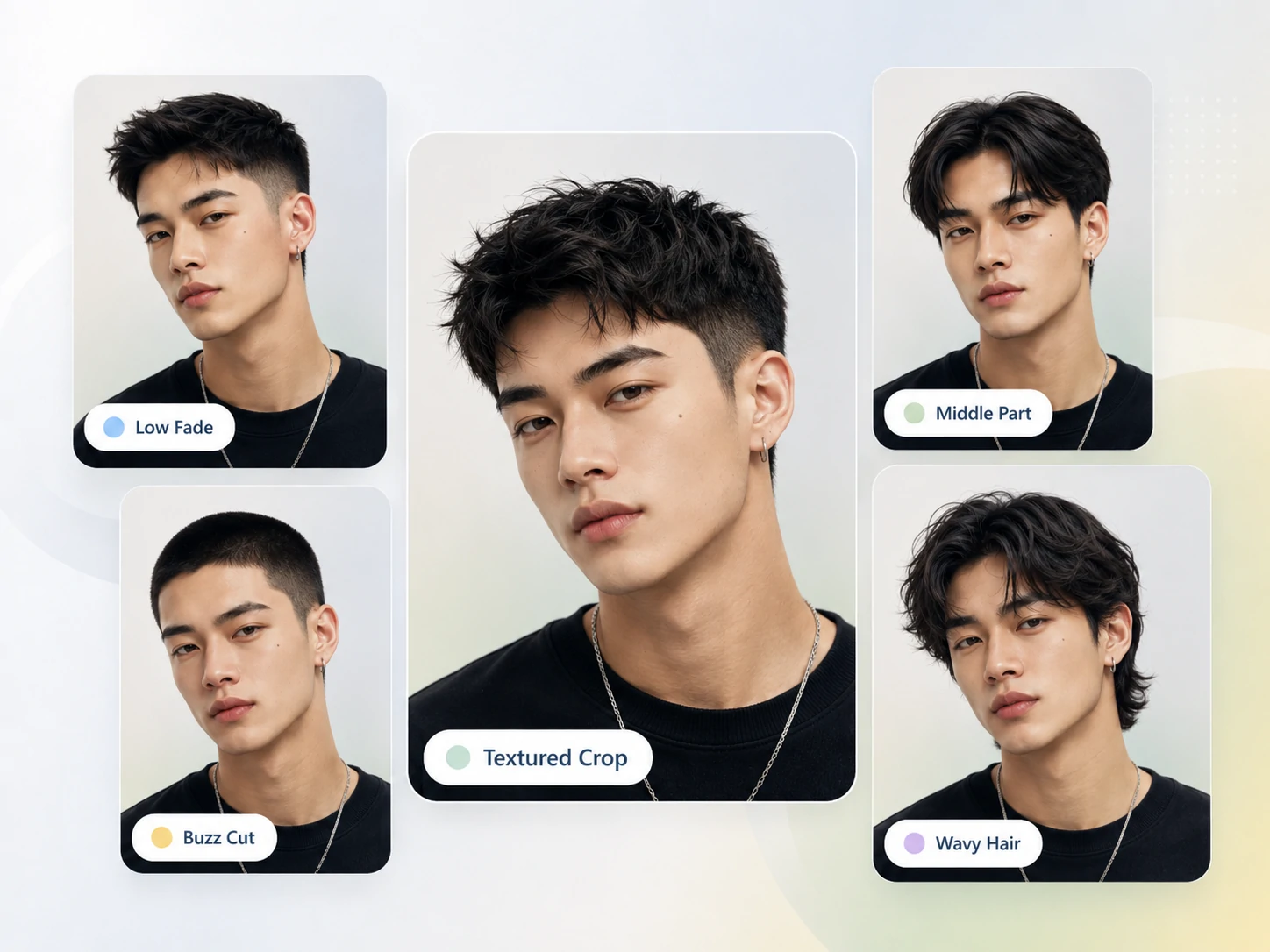
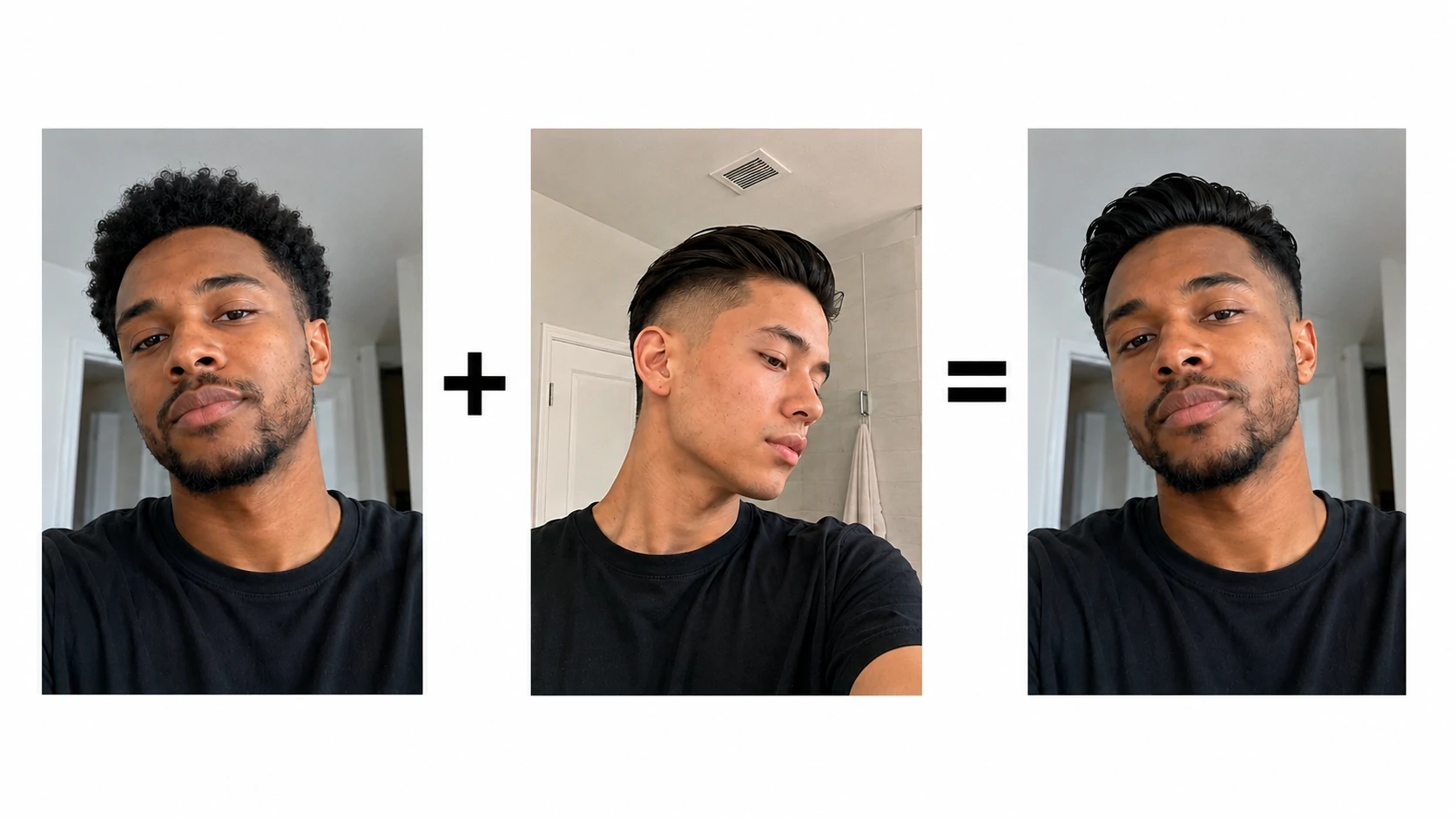
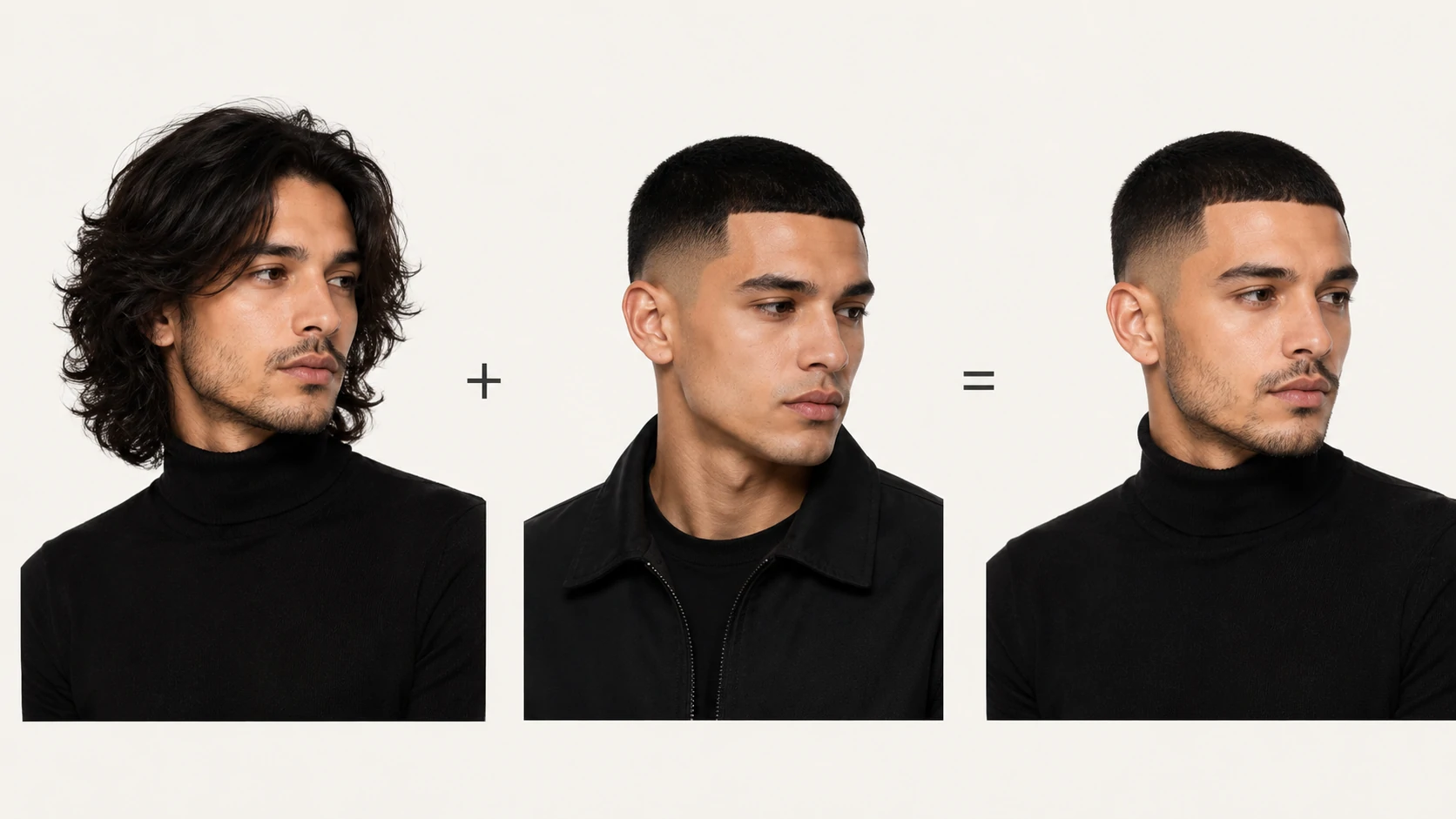
Men's haircut preview with low fade, buzz cut, textured crop, and wavy length

Men's Haircuts

Compare fades, crops, and longer men's styles

Men's haircuts depend heavily on side length, fade height, hairline, crown shape, and how much texture stays on top.

Compare

Low fade, buzz cut, textured crop, middle part, wavy length, and the balance between sides and top.

Good for

Users preparing a clear barber reference instead of describing the cut from memory.

Maintenance

Fades look sharp when fresh, but usually need cleanup every few weeks.

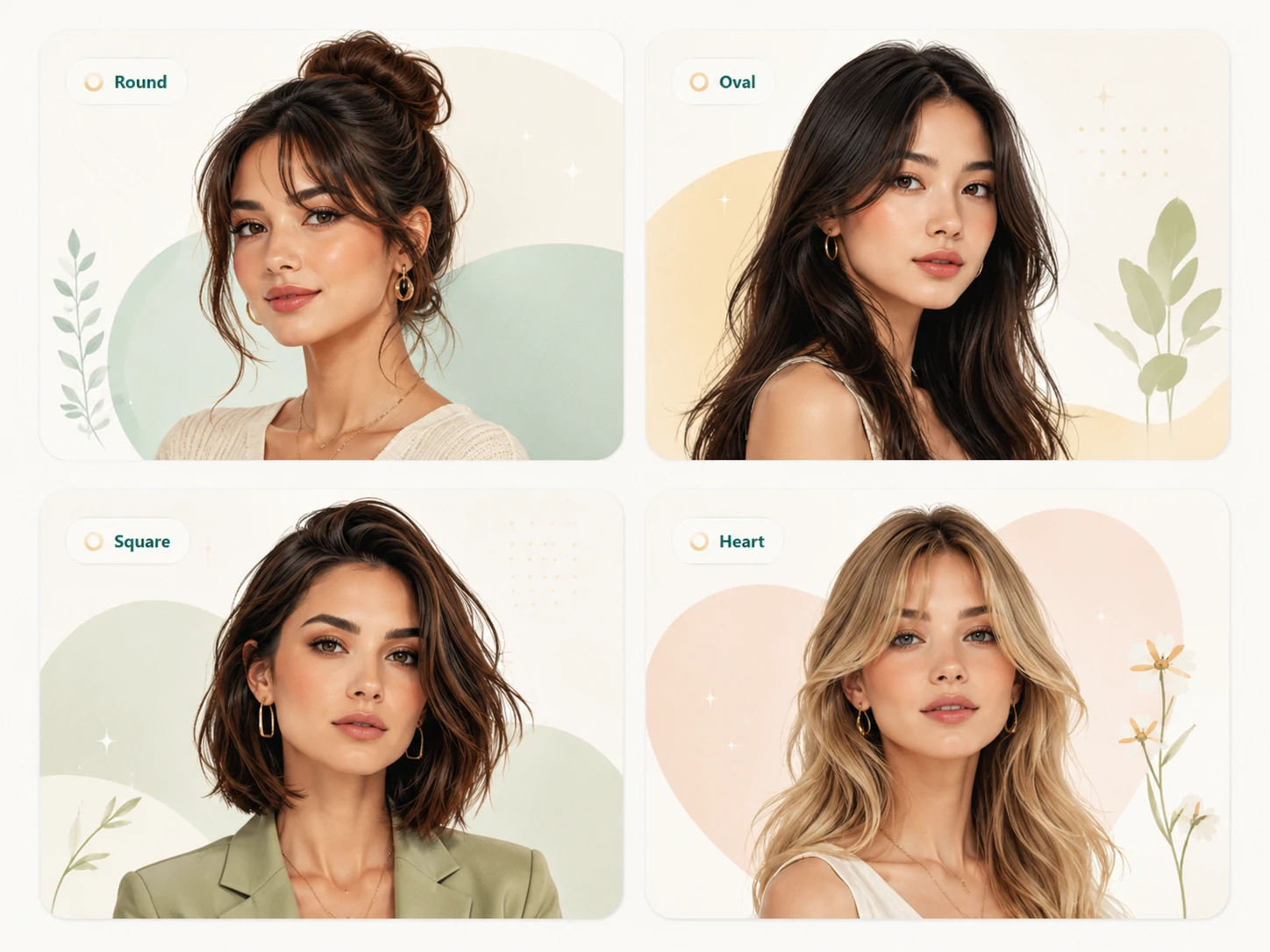
Hairstyle ideas for round, oval, square, and heart face shapes

Face Shape Ideas

Find styles that fit your face shape

Face-shape advice is useful as a starting point, but the best style is the one that works with your real features and daily taste.

Compare

Height, softness, width, cheek framing, jawline balance, and how heavy the hair feels around the face.

Good for

Users exploring round, oval, square, heart-shaped, or mixed face-shape references.

Maintenance

Choose a shape you can recreate at home, not only one that looks good in a single preview.

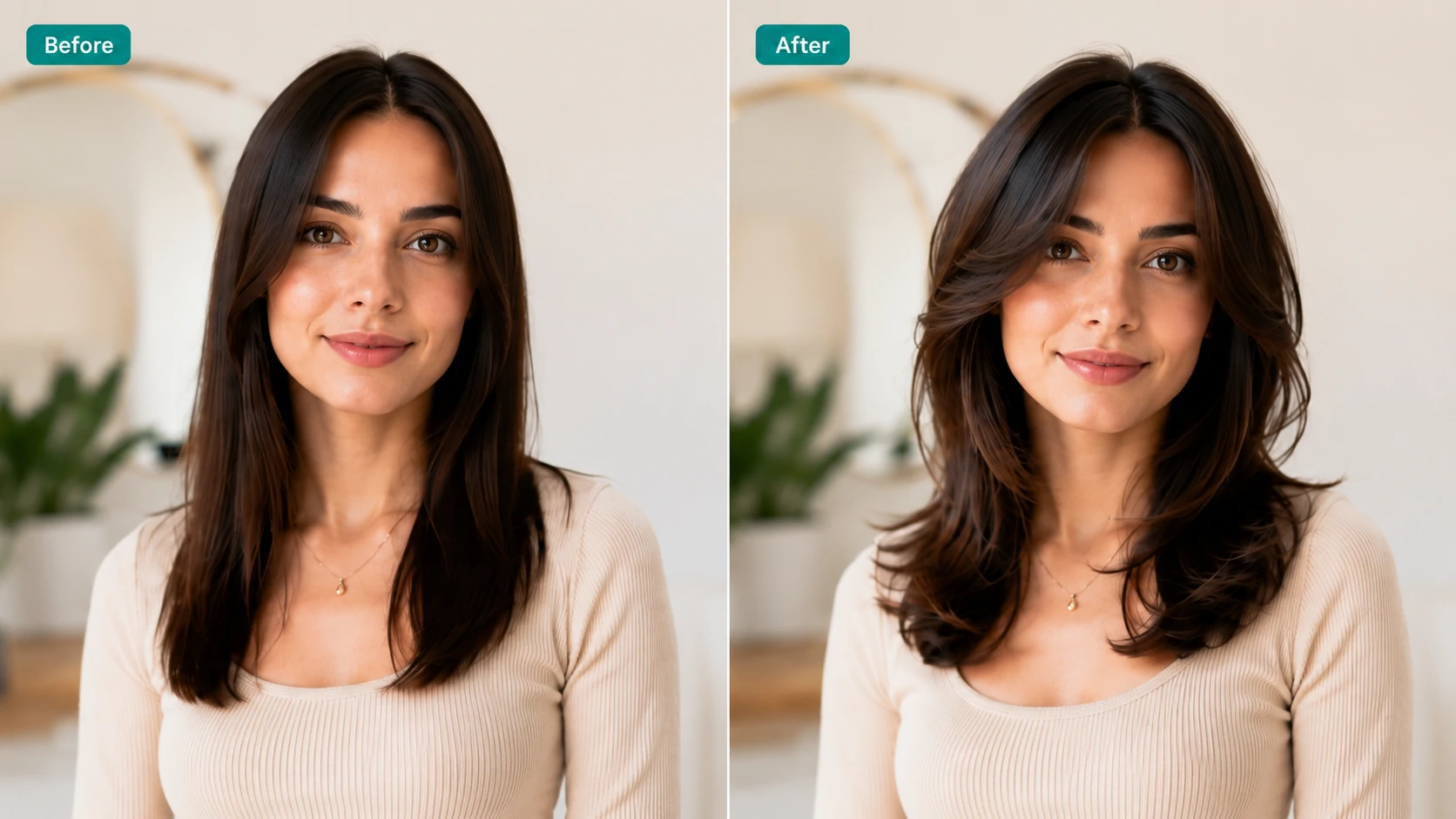
Before and after hairstyle comparison gallery

Before And After

Compare the before and after carefully

A before-and-after view is the easiest way to judge whether the hairstyle change feels realistic and worth trying.

Compare

Length, layering, volume, color depth, hairline blending, and whether the lighting still feels consistent.

Good for

Users narrowing down several AI hairstyle previews before saving a salon or barber reference.

Maintenance

Pick the result that fits your routine, not only the result that looks most dramatic.

Example gallery

AI hairstyle changer examples

Browse hairstyle categories

Browse hairstyle categories and compare examples with practical notes on the look, who it tends to suit, and how much daily care it usually needs.

Women's hairstyles

Bob cutPixie cutCurtain bangsFrench bangsAiry bangsCollarbone hairShoulder-length hairLong layersHime cutPonytailBunBraids

Men's haircuts

FadeBuzz cutTextured cropSide partMiddle partSlicked-back hairPomade stylesQuiffMohawkModern perms

Hair colors

BlondeCopperBrunetteBlackAsh blondeMilk tea hairBalayageSilverPinkBluePurplePeekaboo highlights

Curls and texture

Loose wavesWool curlsEgg roll curlsNatural straight hairSilky straight hairVolumeFlipped-out endsInward-curled ends
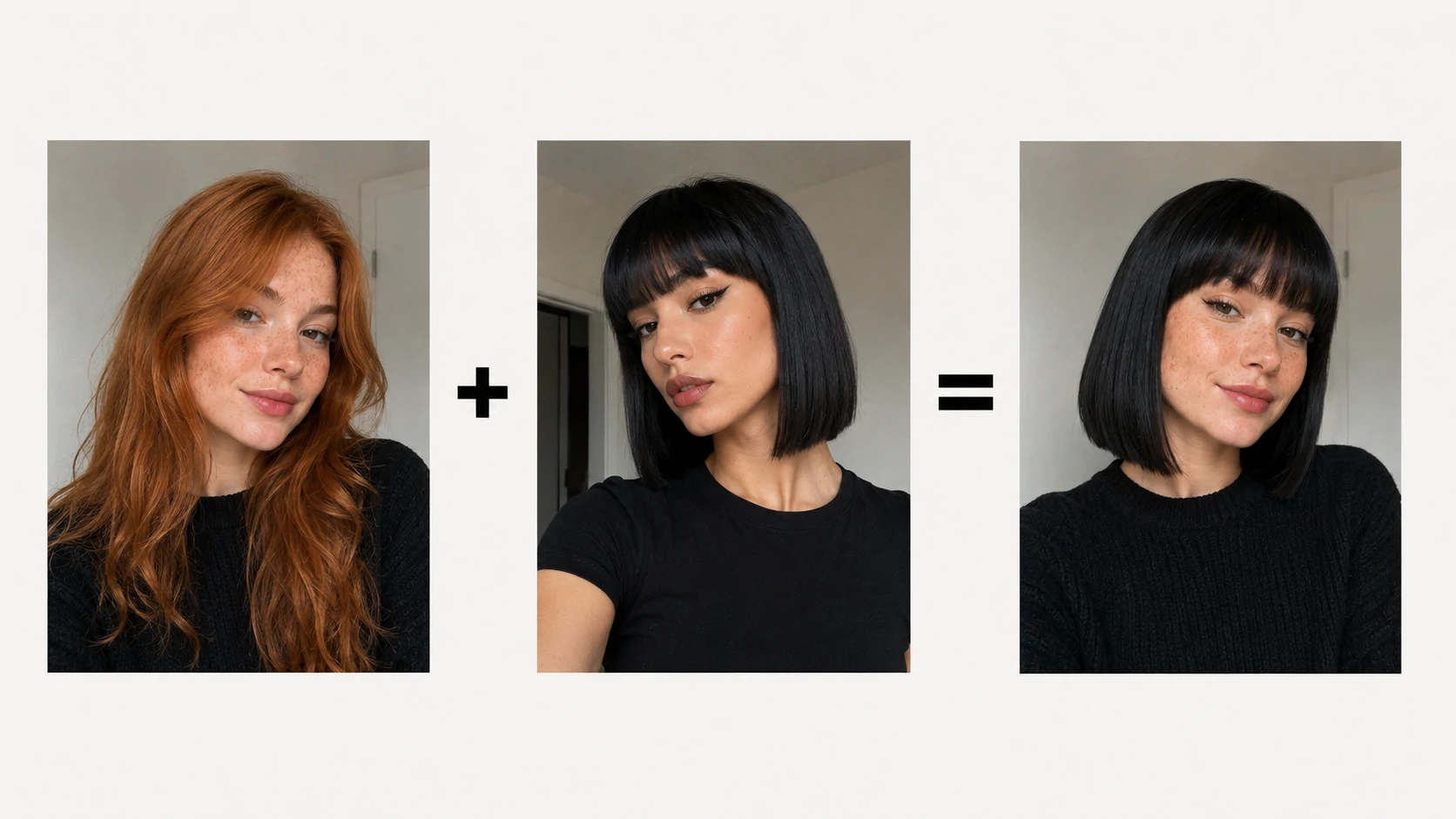
Bob cut before and after hairstyle example

Bob Cut

A bob cut sits around the chin or jaw and gives the hair a clean, polished outline. It works well when you want a shorter shape without going extremely short, and it can make fine hair look fuller.

Maintenance: expect regular trims every 6 to 8 weeks to keep the line sharp. A round brush, light smoothing cream, or quick flat-iron pass can help the ends sit neatly.

Pixie cut before and after hairstyle example

Pixie Cut

A pixie cut removes most length and brings attention to the eyes, cheekbones, and neckline. It feels light, modern, and confident, but the change is much bigger than a trim.

Maintenance: short hair grows out quickly, so shape-ups every 4 to 6 weeks matter. Styling paste or soft wax helps control texture without making the hair stiff.

Curtain bangs before and after hairstyle example

Curtain Bangs

Curtain bangs part near the center and frame both sides of the face. They are softer than blunt bangs and are a good choice if you want movement around the eyes without fully covering the forehead.

Maintenance: bangs need quick styling after washing or sleeping. Blow-dry them forward and away from the face, then trim every few weeks to keep the length comfortable.

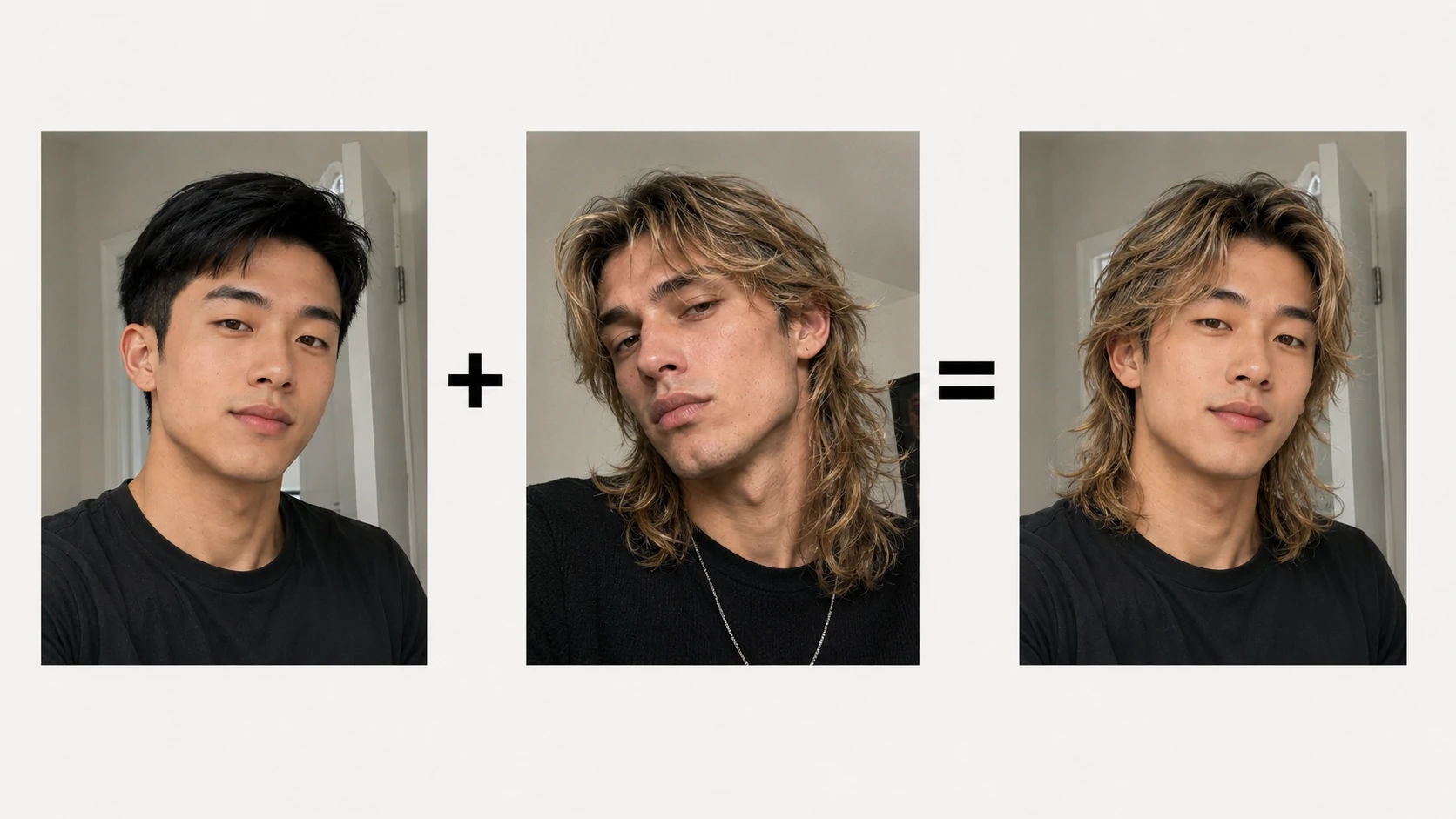
Wolf cut before and after hairstyle example

Wolf Cut

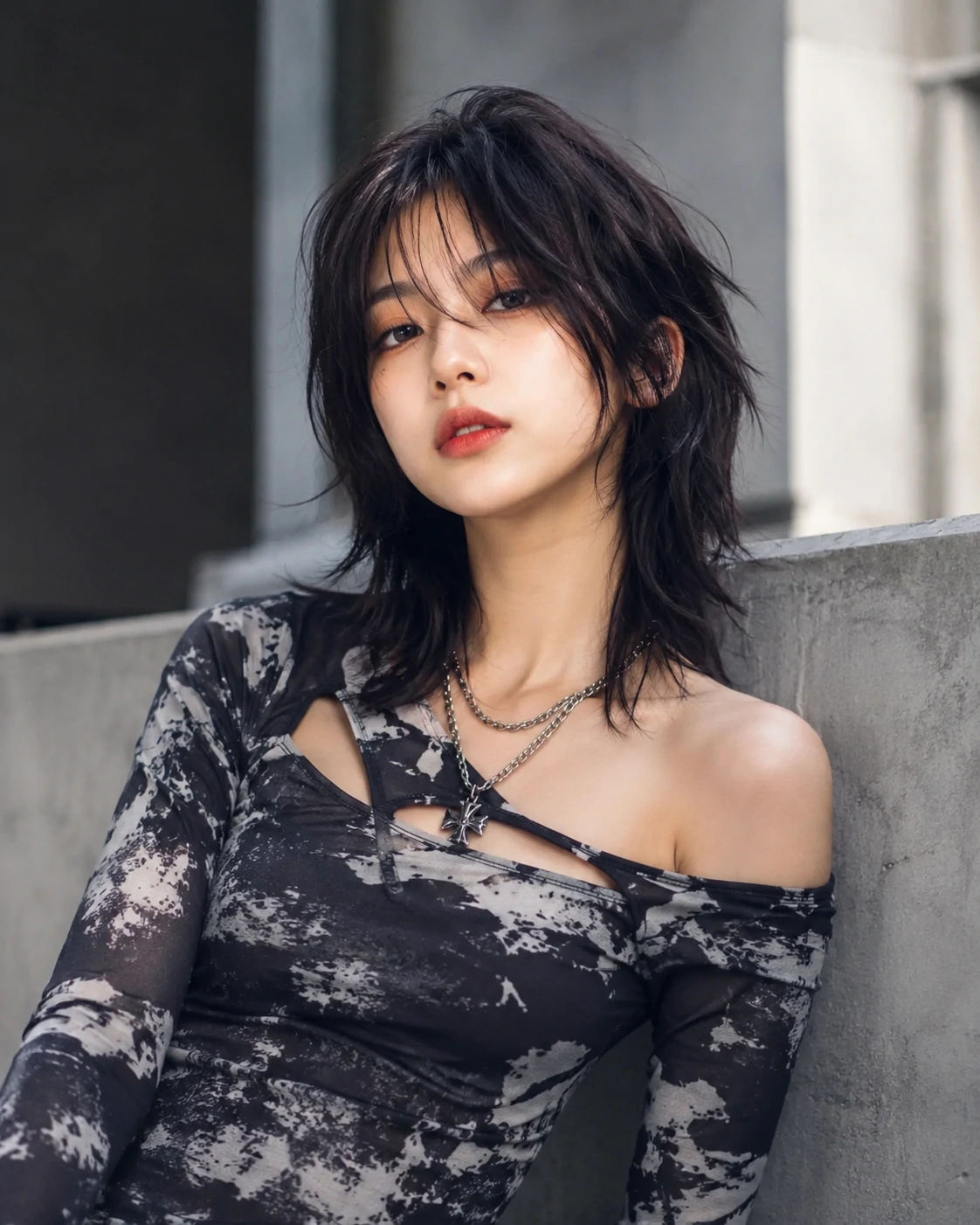
A wolf cut combines shaggy layers with volume near the crown and lighter ends. It gives straight or wavy hair more attitude and movement, especially when you like a slightly undone finish.

Maintenance: layers need texture to look intentional. Use sea-salt spray, mousse, or a diffuser, and refresh the shape with trims before the ends become too thin.

Long layers before and after hairstyle example

Long Layers

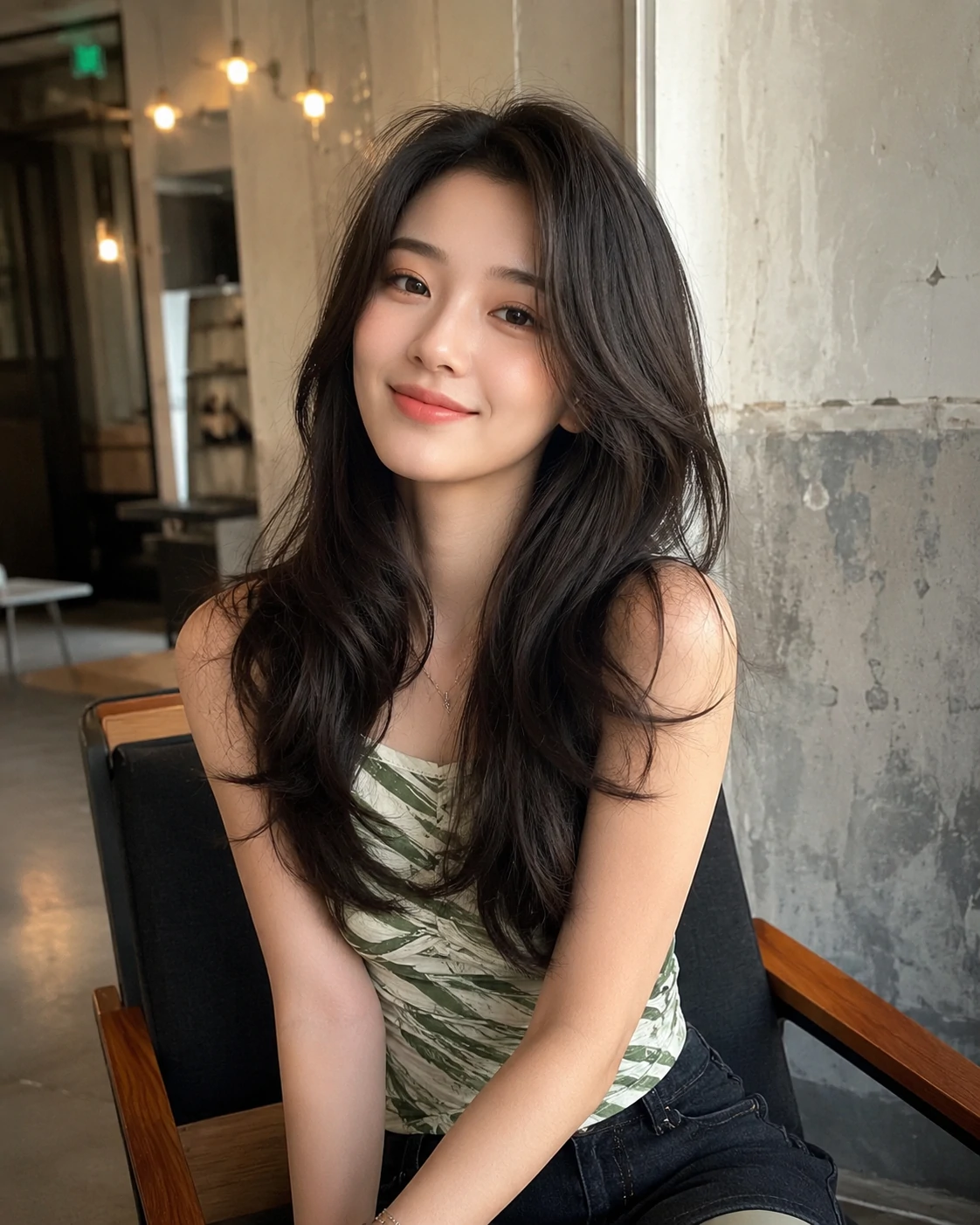
Long layers keep overall length while adding shape, lift, and movement. They are useful if your hair feels heavy, flat, or one-dimensional but you do not want a dramatic cut.

Maintenance: long layers are lower commitment than short cuts. A lightweight leave-in conditioner and occasional round-brush styling can help the layers show instead of blending together.

Blonde hair before and after color example

Blonde Hair

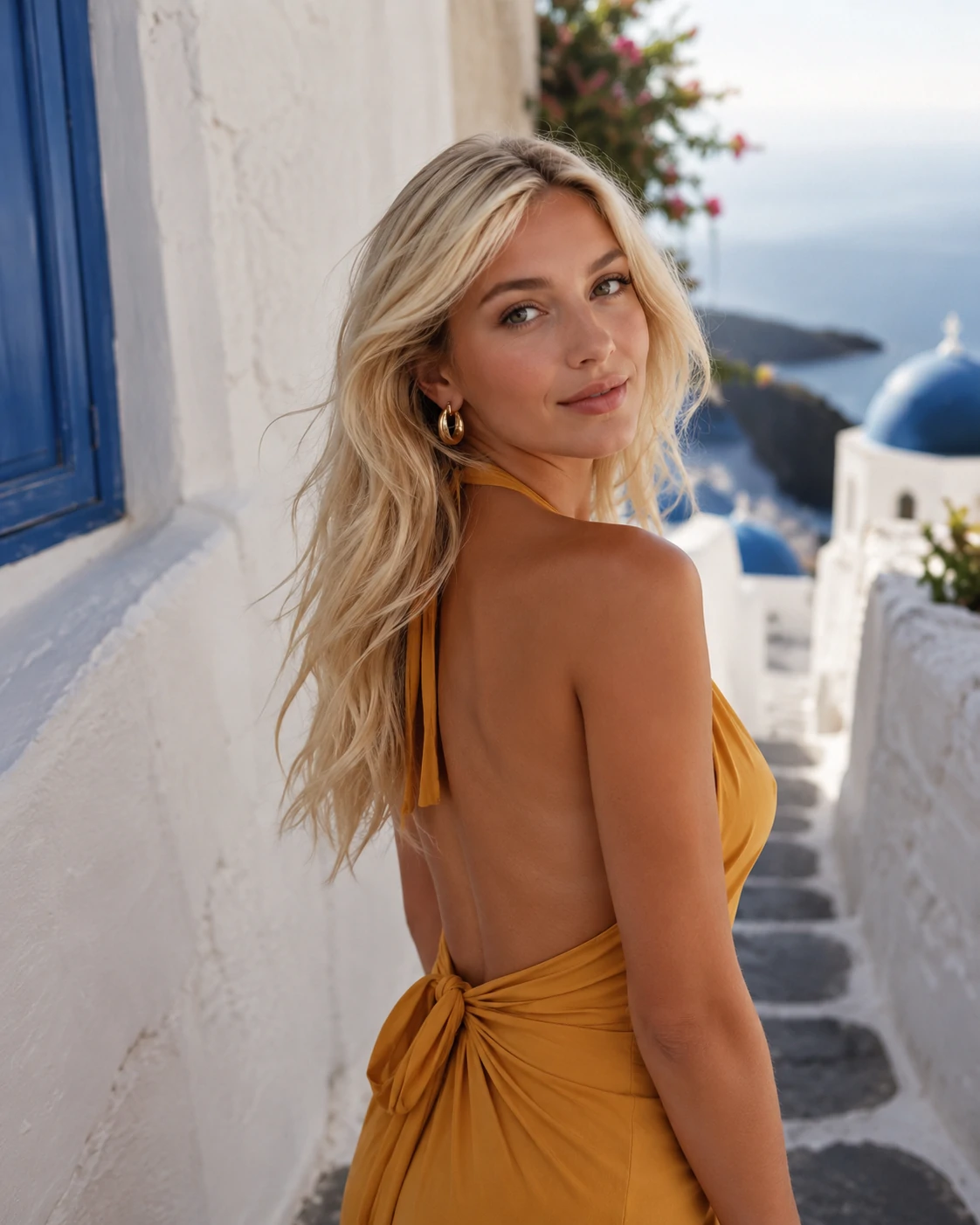
Blonde hair can brighten the face and create a softer overall look, but the exact shade matters. Warm blonde, beige blonde, and ash blonde can feel very different against the same skin tone.

Maintenance: blonde usually needs toning, deep conditioning, and root touch-ups. Purple shampoo can reduce brassiness, but overuse may make the color look dull.

Copper hair before and after color example

Copper Hair

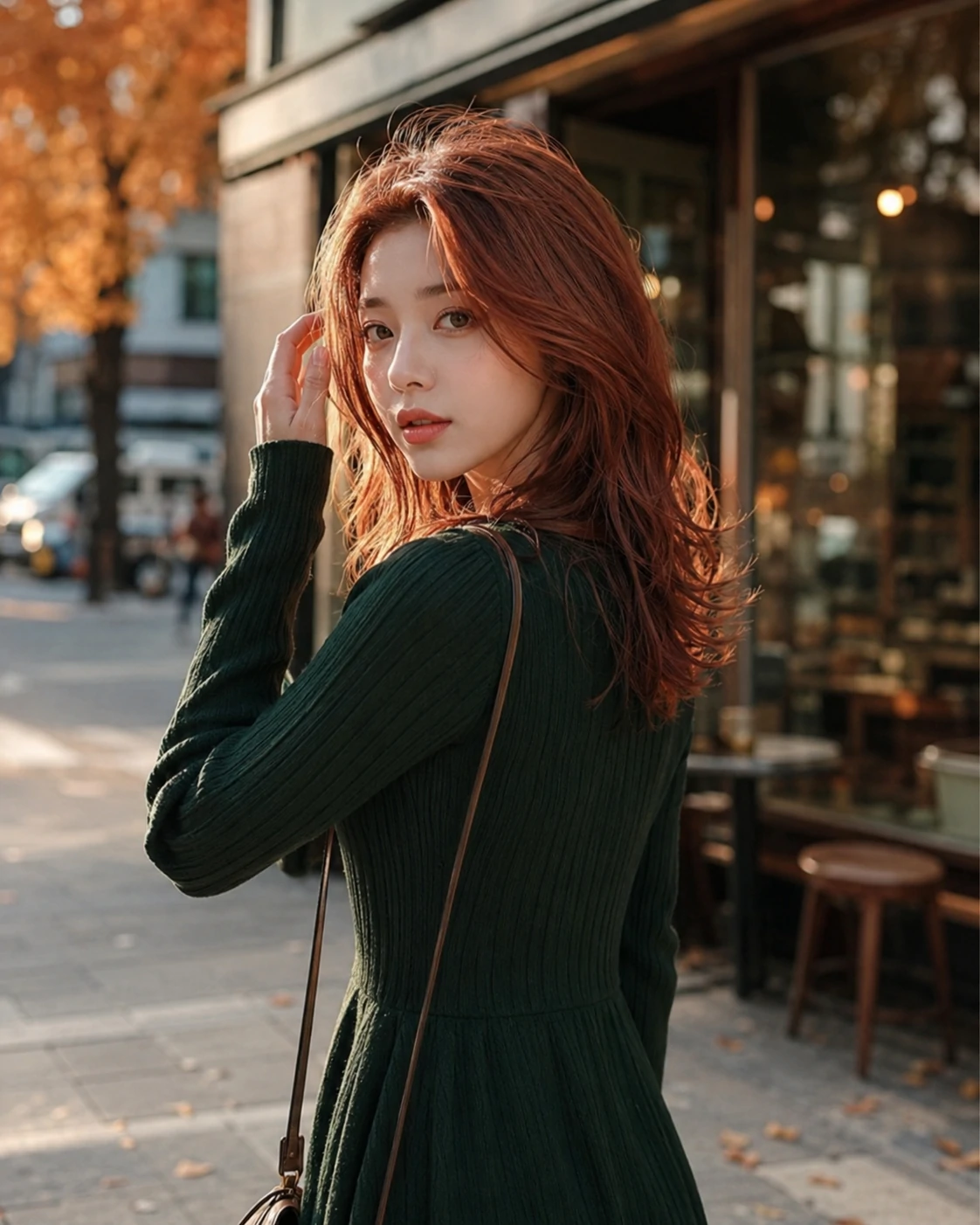
Copper hair adds warmth and energy, sitting between red, auburn, and golden brown. It can make the complexion look lively, especially when the tone is matched to your natural warmth.

Maintenance: copper fades faster than many colors. Wash with color-safe products, avoid excessive heat, and plan gloss refreshes if you want the shade to stay vivid.

Curly hair before and after hairstyle example

Curly Hair

Curly hair adds volume, shape, and softness around the face. A preview helps you judge whether you prefer loose waves, defined curls, or fuller volume before changing texture or styling routine.

Maintenance: curls need moisture and gentle handling. Use curl cream or gel, dry with minimal friction, and avoid brushing dry curls unless you want a fuller finish.

Men's buzz cut before and after hairstyle example

Buzz Cut

A buzz cut is simple, sharp, and very low effort, but it reveals the head shape and hairline more than longer cuts. It is best previewed before committing because there is little styling to hide the shape.

Maintenance: the cut is easy day to day, but it needs frequent cleanup if you want it crisp. Sunscreen on the scalp and regular clipper touch-ups are worth considering.

Men's fade haircut before and after example

Fade Haircut

A fade blends the sides shorter while leaving more control over the top. Low fades feel subtle, mid fades look cleaner, and high fades create stronger contrast.

Maintenance: fades look best when the blend is fresh, often every 2 to 4 weeks. Ask your barber how high the fade should start and how much length to keep on top.

Black hair before and after color example

Black Hair

Black hair creates strong contrast and shine, which can make the face look more defined. It is a good option if you want a richer, sleeker look, but very dark color can feel intense on lighter natural bases.

Maintenance: keep dark color glossy with moisturizing products and heat protection. If you later want to go lighter, plan ahead because lifting black dye can take multiple sessions.

Balayage before and after hair color example

Balayage

Balayage adds hand-painted brightness through the mid-lengths and ends while keeping softer roots. It is a flexible choice when you want dimension without a harsh grow-out line.

Maintenance: balayage is usually easier to grow out than full highlights. Use color-safe shampoo, protect the ends from heat, and refresh toner when the color turns too warm.

More examples

More examples 1
More examples 2
More examples 3
More examples 4
More examples 5
More examples 6
More examples 7
More examples 8
More examples 9
More examples 10
More examples 11
More examples 12
More examples 13
More examples 14
More examples 15

How to

How to use the AI hairstyle changer

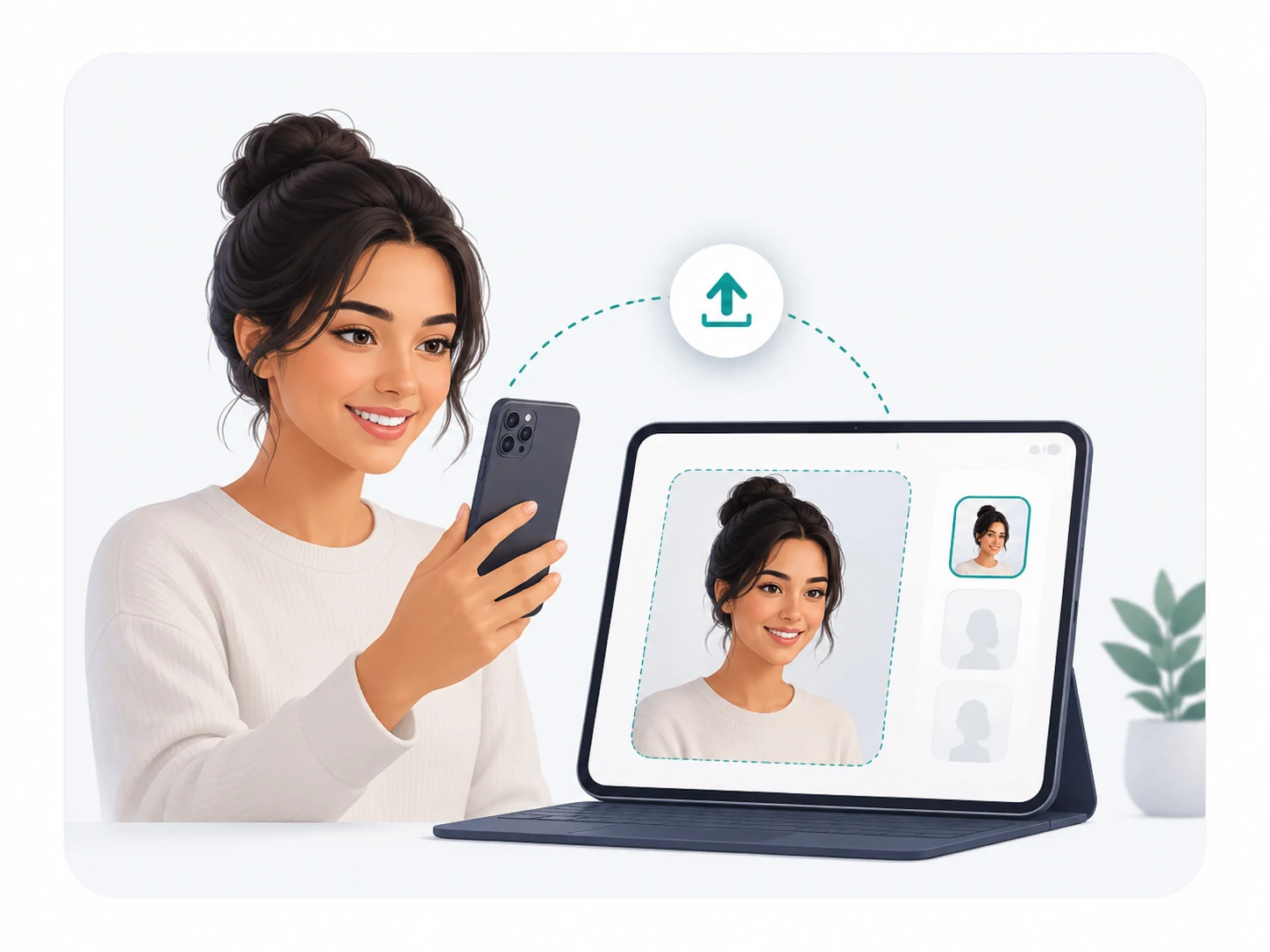
Uploading a portrait photo for hairstyle preview
1

Upload your photo

Choose a clear selfie where your face and current hair are easy to see.

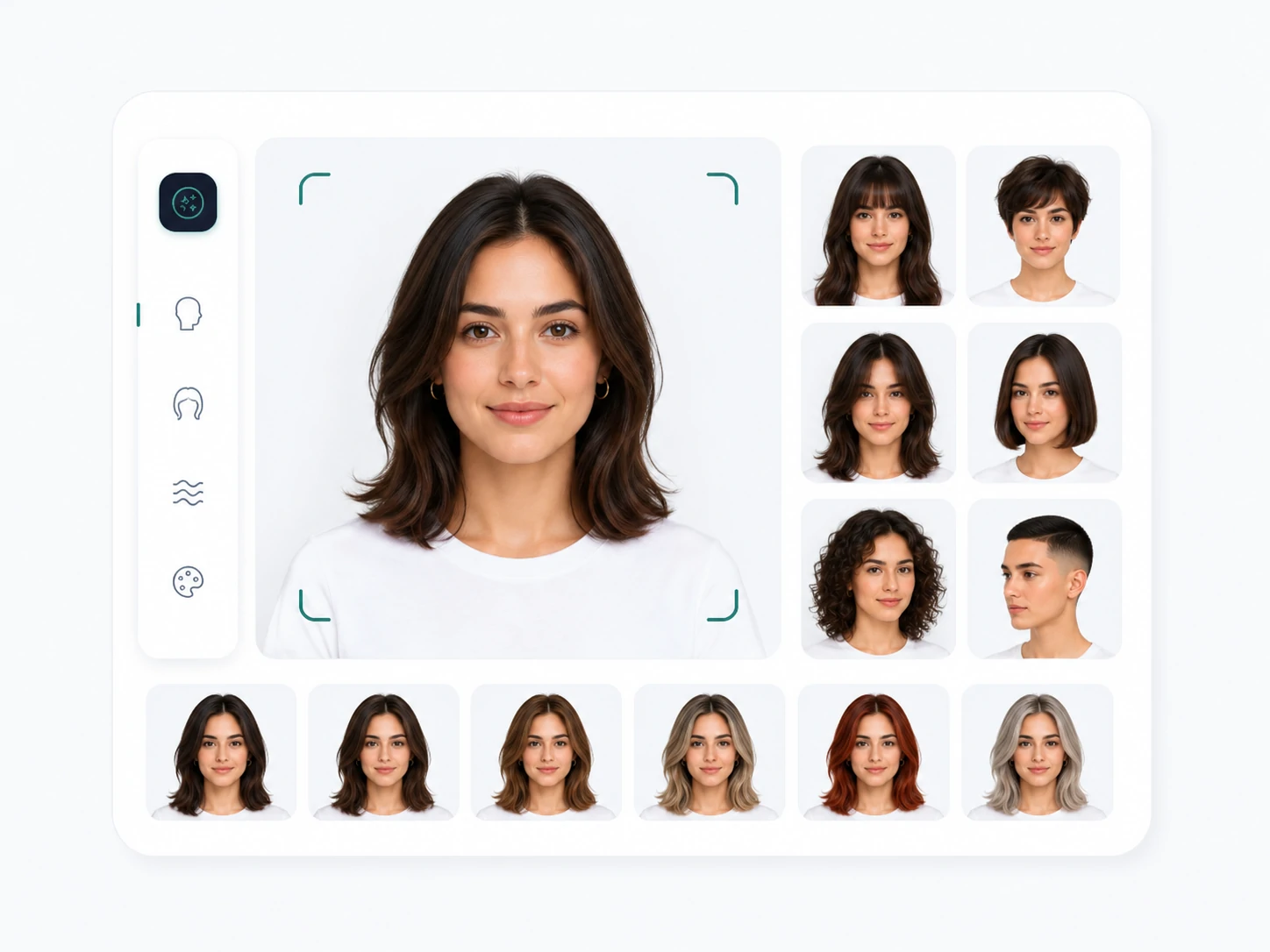
Choosing haircut, bangs, color, and style ideas
2

Pick hairstyle ideas

Try bangs, short hair, layers, bob cuts, pixie cuts, fades, curls, or hair colors.

Comparing before and after hairstyle preview results
3

Compare results

Save the strongest before-and-after previews and use them for salon planning.

Planning reference

Use previews as a starting point, not a salon guarantee

A hairstyle preview can help you compare ideas visually, but real results still depend on your hair texture, current length, color history, face shape, products, and the stylist or barber you choose.

Compare what changes

Look at length, face framing, volume, color warmth, and whether the style still feels like you.

Save useful references

Keep the strongest before-and-after result for your stylist, barber, or personal mood board.

Check daily effort

A look can be beautiful and still require trims, heat styling, toner, curl care, or more product than you want to use.

Why use it

Make hairstyle decisions with more confidence

Changing hair can be expensive, emotional, and hard to undo. A preview gives you a calmer way to compare options before you cut, color, or bring a reference to a stylist.

Compare the real tradeoffs

Short hair, bangs, color, and layers all change the face in different ways. Seeing the preview helps you notice what you like and what feels wrong.

Prepare better salon references

A clear image gives your stylist or barber a better starting point than a vague description, especially for length, fringe, color, and face framing.

Avoid rushed decisions

Trying ideas online first gives you time to compare bold and subtle options before making a permanent change.

Think about maintenance

Each style has a different care routine. Consider trims, color fading, heat styling, and daily effort before choosing a look.

AI Hairstyle Changer Pricing

Choose a subscription or one-time credits for AI hairstyle previews. Credits are used when you generate results.

Best value
9,000 credits / year

Annual Plus

Popular
$9.90/ month

Billed $118.80 per year

A yearly plan with more credits than the monthly Plus plan.

Includes

  • 9,000 credits per year
  • 750 credits per month average
  • Annual credits expire after 12 months
  • Billed once per year
  • Private saved results for paid users
  • Cancel renewal anytime from billing

Billed $118.80 per year

19,000 credits / year

Annual Pro

$19.90/ month

Billed $238.80 per year

A larger yearly credit pool for regular hairstyle generation.

Includes

  • 19,000 credits per year
  • About 1,583 credits per month average
  • Annual credits expire after 12 months
  • Billed once per year
  • Private saved results for paid users
  • Priority support

Billed $238.80 per year

40,000 credits / year

Annual Max

$39.90/ month

Billed $478.80 per year

The highest annual credit pool for heavy use.

Includes

  • 40,000 credits per year
  • About 3,333 credits per month average
  • Annual credits expire after 12 months
  • Billed once per year
  • Private saved results for paid users
  • Priority support

Billed $478.80 per year

Free Plan

$0forever

Use daily check-in credits to try the tool.

What you get:

  • Guests get 2 free hairstyle trials by IP
  • Daily check-in: +10 credits
  • 7-day check-in streak: +20 bonus credits
  • Credits expire in 24 hours
  • Guest generations are not saved to history
  • Signed-in free users keep generated results for 7 days

No credit card needed. Paid credits unlock 30-day private storage. Support: support@aihairstylechanger.co

FAQ

AI hairstyle changer FAQ

What should I know before using an AI hairstyle changer?

Use the AI hairstyle changer as a visual planning tool, not as a guarantee that every salon result will look exactly the same. A clear front-facing photo gives the best preview, especially for haircuts, bangs, layers, fades, curls, and hair color ideas. The most useful way to judge a result is to compare face framing, hair length, volume, color warmth, and whether the style fits your daily routine. If you plan to visit a stylist or barber, save the best preview and use it as a reference while still discussing your hair type, texture, growth pattern, and maintenance needs.

Can I try hairstyles online with my own photo?

Yes. Upload a selfie or portrait, choose a hairstyle direction, and compare previews against your current look. This is helpful when you want to test short hair, a bob cut, curtain bangs, long layers, curly styles, men's fades, or a new hair color before making a real change.

Is the AI hairstyle changer free to use?

You can browse hairstyle examples and use the page online. Generating new previews may use credits or account limits depending on the current product setup, so check the tool button and account status before starting a generation.

Can I try hairstyles online without downloading an app?

Yes. The tool runs in the browser, so you can upload a photo and preview hairstyle ideas online without installing a separate app.

What photo works best for a hairstyle preview?

Use a clear portrait where your face and current hair are visible. Good lighting, a simple background, and a natural head angle usually work better than heavy shadows, hats, sunglasses, filters, or hair covering the face. If you want to compare before-and-after results, use the same photo for each hairstyle idea.

Can it help me decide if bangs suit me?

Yes. Bangs are one of the strongest use cases because they change the forehead, eyes, and overall face shape immediately. Try curtain bangs, wispy bangs, side bangs, and fuller fringe, then check whether the preview still feels balanced when you imagine daily styling and regular trims.

Can I preview short hair before cutting it?

Yes. Short hair previews help you compare bob cuts, pixie cuts, cropped layers, shoulder-length styles, and buzz cuts before losing length. Pay attention to how the shorter outline changes your jawline, cheekbones, neck, and the amount of volume around the sides.

Can I use it as an AI hair color changer?

Yes. Hair color is part of the hairstyle preview experience. You can compare blonde, brunette, black, copper, balayage, and softer color ideas before booking a color appointment. Look at skin-tone balance, contrast, root depth, and whether the shade looks natural in your lighting.

Does it work for men's haircuts and barber references?

Yes. Men's hairstyle previews are useful for comparing low fades, mid fades, buzz cuts, textured crops, middle parts, wavy hair, and longer styles. For barber visits, focus on the side length, fade height, top length, hairline, and how much styling the cut will need.

Will the AI hairstyle preview look exactly like the final salon result?

No preview can fully predict a real haircut or color service. Your final result depends on hair density, curl pattern, previous color, damage, face shape, styling products, and the stylist's technique. Treat the image as a strong visual reference for planning, not a fixed promise.

Will my face identity stay the same?

The preview is designed to keep your face, expression, and lighting consistent while changing the hairstyle direction. If a result changes your face too much, try a clearer photo and a more specific hairstyle prompt.

How is my uploaded photo used?

Your uploaded photo is used to create the hairstyle preview and is not shown publicly on this page. For best results and safer use, upload only photos you own or have permission to use.

How do I choose between several hairstyle results?

Compare the previews side by side and ask practical questions: does the style frame your face well, does the color make your skin look balanced, does the length fit your lifestyle, and can you maintain it with your normal routine? The best result is not always the most dramatic one.

Can I bring the generated image to my stylist or barber?

Yes. A generated hairstyle image can make the conversation clearer, especially for bangs, layers, fade height, bob length, or color tone. It is still important to ask your stylist what needs to be adjusted for your real hair type and face shape.

What hairstyles are easiest to maintain?

Long layers and soft color changes are usually easier to grow out than blunt bangs, sharp bobs, pixie cuts, high fades, or bright copper and blonde shades. Before choosing a result, think about trim frequency, heat styling, color fading, and how your hair looks without extra effort.

Can I use the tool if I have curly, wavy, or textured hair?

Yes, but judge the result with your natural texture in mind. Curly and textured hair can change shape depending on moisture, shrinkage, styling method, and cut technique. Use the preview to explore direction, then discuss the practical cut and care routine with a stylist who understands your texture.

Is the AI hairstyle changer useful before dyeing hair?

Yes. Color changes can be expensive and hard to reverse, so a preview helps you compare warm, cool, light, dark, and dimensional shades before committing. It is especially useful for blonde, copper, black hair, balayage, and other colors where maintenance and fading matter.

Why does my generated hairstyle look different from my reference idea?

AI results can vary based on photo angle, lighting, hair coverage, prompt wording, and the uploaded image quality. If a result feels off, try a clearer portrait, describe the cut or color more specifically, and compare multiple outputs before choosing one.
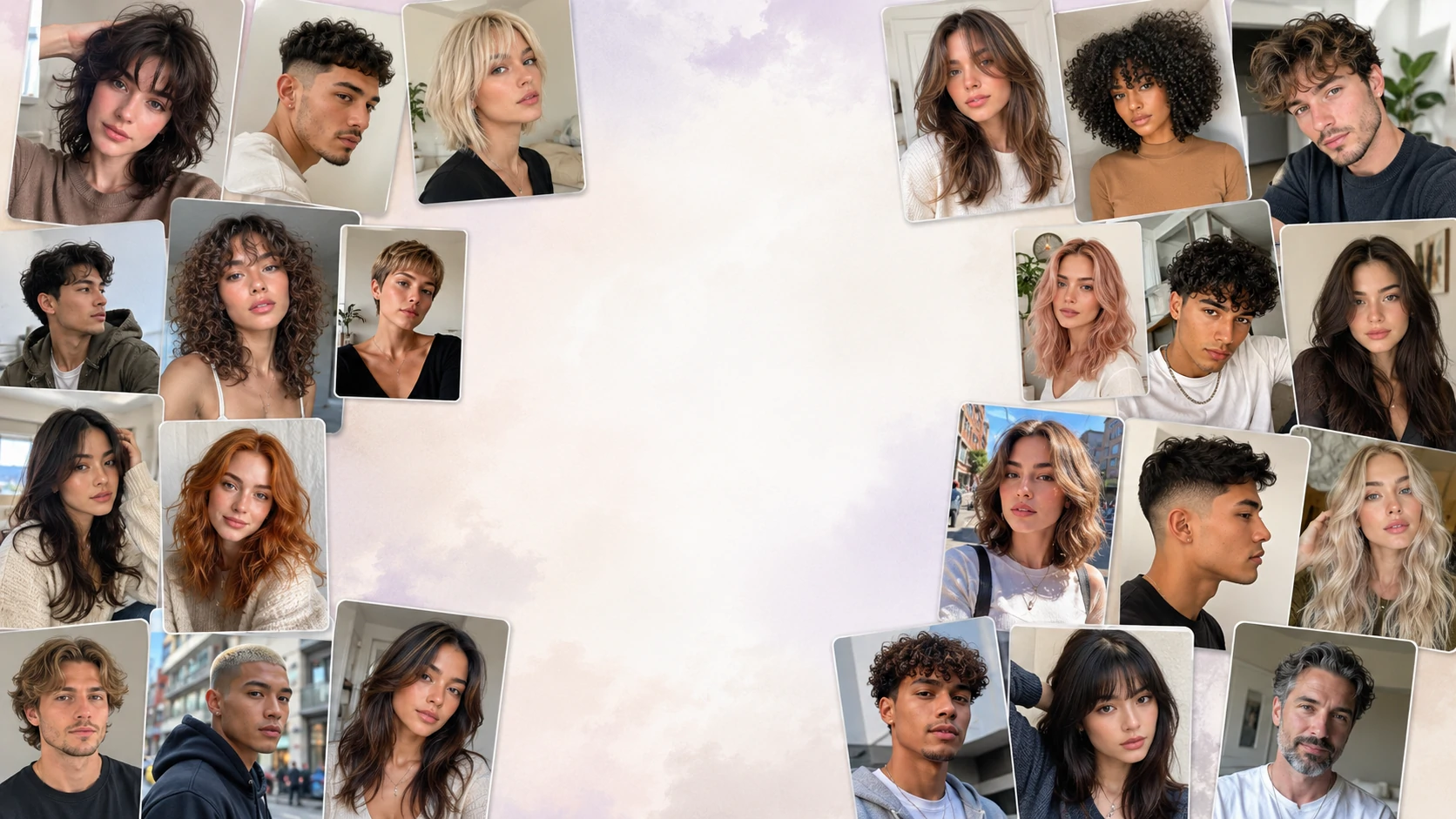
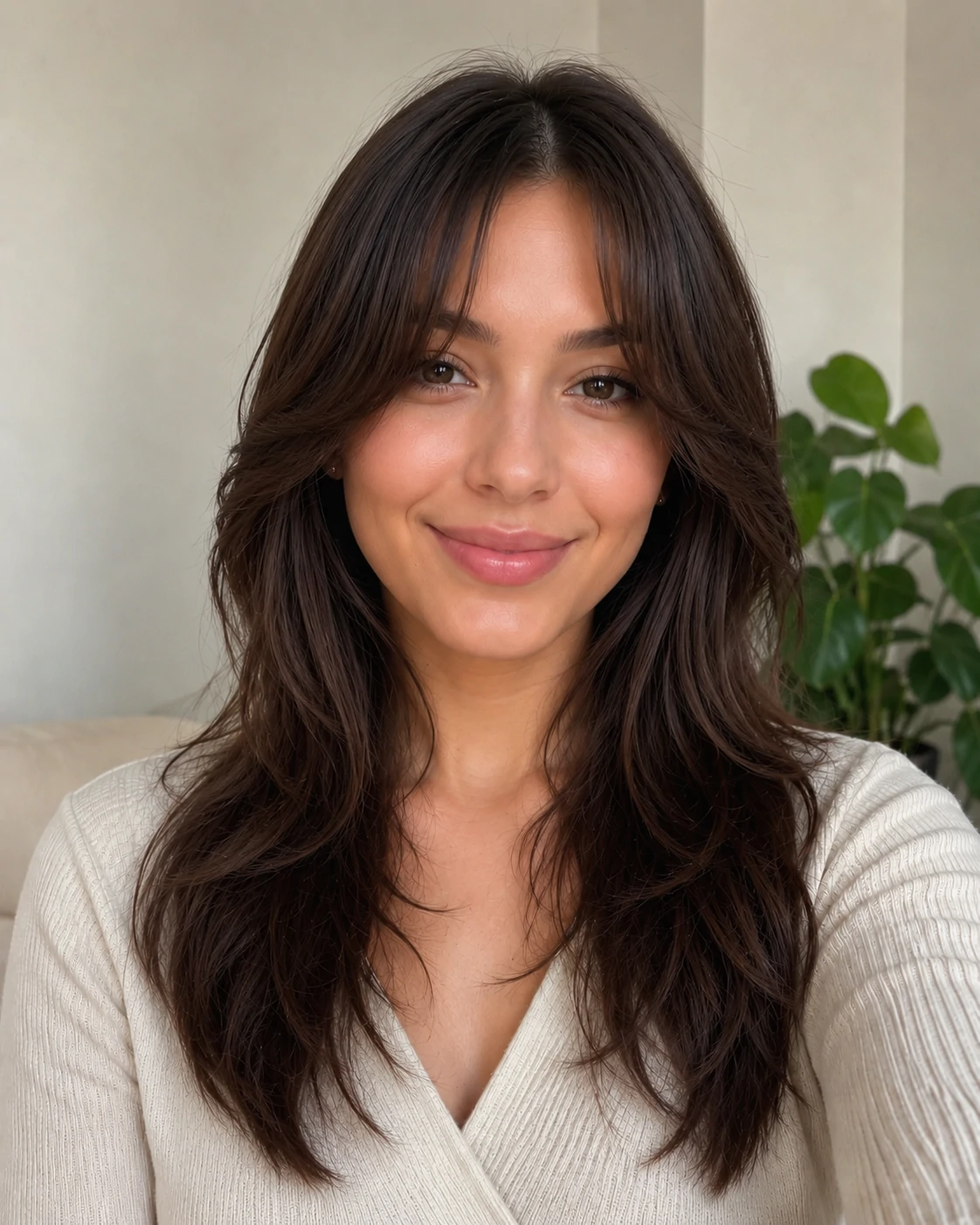
A New Look Should Feel Right Before It Becomes Real

Preview haircuts, colors, bangs, layers, and styling ideas from one photo, then choose the look that feels most like you.
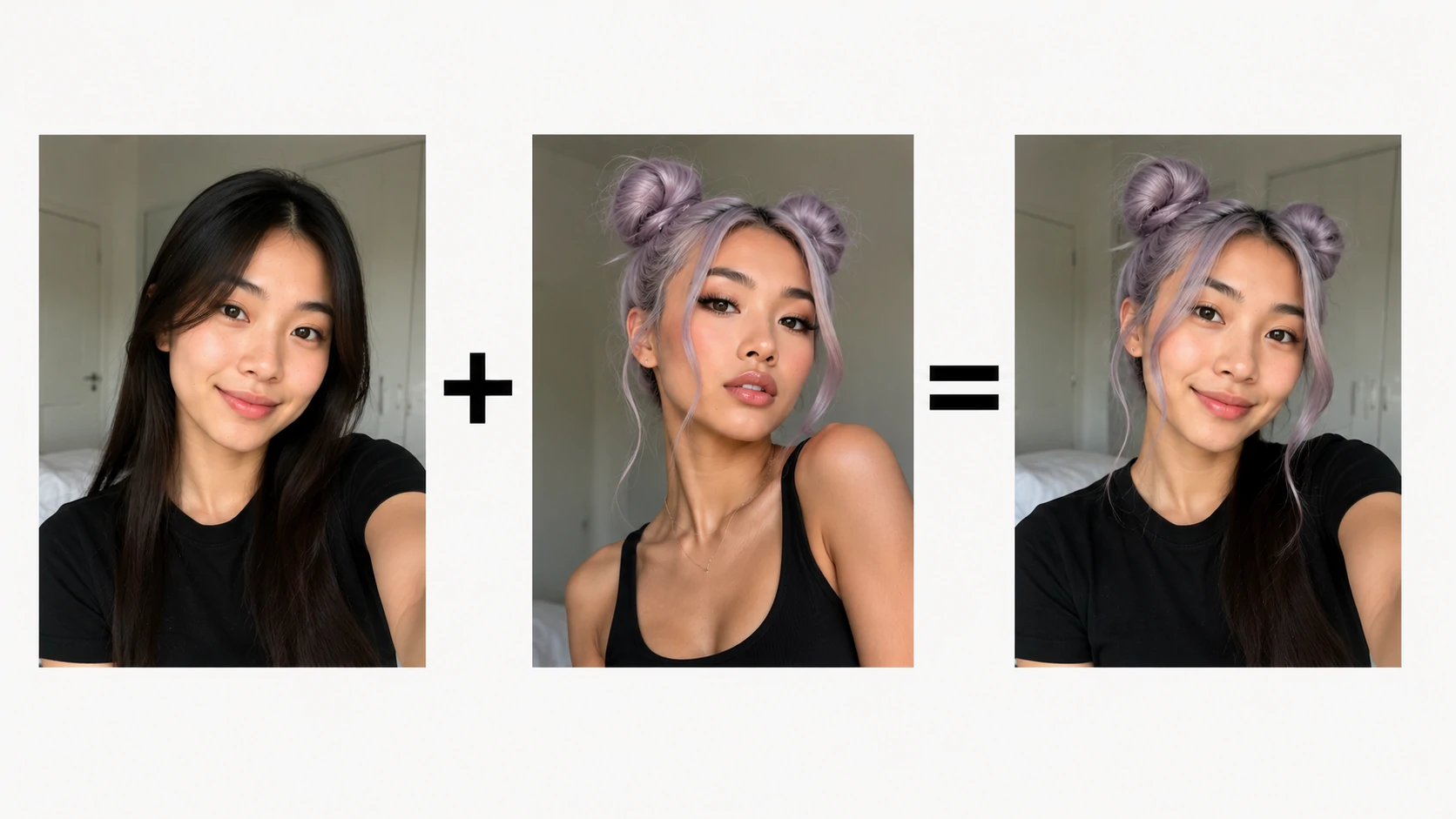
Find Your Next Hairstyle
AI Hairstyle Changer - Try Haircuts and Hair Colors Online